First impressions matter. In the digital world, that first impression often comes in the form of a URL. But what if that URL, while technically accurate, isn’t exactly user-friendly or brand-aligned? That’s where URL masking comes in, offering a way to enhance user experience and brand consistency.
URL masking isn’t about hiding something sinister. In fact, it’s a standard web practice used by many reputable businesses. So, let’s clarify what URL masking is, how it works, and when it might be a valuable tool for your website.
Main Takeaways From This Article:
- URL masking, also known as URL cloaking or domain masking, involves creating a new, user-friendly URL that redirects to the actual URL.
- URL masking involves creating a new webpage that acts as a middleman, redirecting users from the simpler, branded URL to the original URL.
- Several URL masking techniques exist, including 301 and 302 redirects for permanent or temporary needs, and meta refresh, which is less favored due to poor user experience and SEO disadvantages.
- URL masking has pros, including enhanced user experience, brand consistency, improved click-through rates, cleaner affiliate links, and effective campaign tracking. Potential drawbacks are negative SEO impacts if search engines struggle to index the masked pages properly, transparency concerns from users, and issues with broken links.
- Ideal scenarios for URL masking include shortening long URLs, enhancing brand recognition, cleaning up affiliate links, hiding free web hosting URLs, simplifying campaign tracking, URL rewriting, and conducting A/B tests.
- TinyURL offers URL masking that integrates branded masking and campaign tracking. It uses HTTP redirects to minimize SEO penalties, ensuring that search engines can index the content behind the URL properly.
- To ensure effective URL masking, maintain transparency with users, use SEO-friendly redirects, keep URL structures clean, ensure mobile-friendliness, and track the performance of masked URLs for continuous optimization.
What Is URL Masking?
URL masking is the process of creating a new, more user-friendly URL (the mask) that redirects users to the actual web address.
Think of it like a personalized storefront for your website’s content. The original URL might be a long string of seemingly random characters, but the masked URL can be a clear, concise, and brand-specific address that’s easier for users to remember and share.
Before we move forward, let us reinforce that URL masking is not an illegal or deceptive web practice! In fact, it is a standard web practice whose primary purpose is to improve user experience and brand consistency, not to hide any malicious intent.
How Does URL Masking Work?
The technical process behind URL masking is relatively straightforward. When masking a URL, you essentially create a new web page (the masked URL) that sits in front of the destination URL. This new page with duplicate content acts as a middleman, redirecting users to the original content once they click on the masked URL.
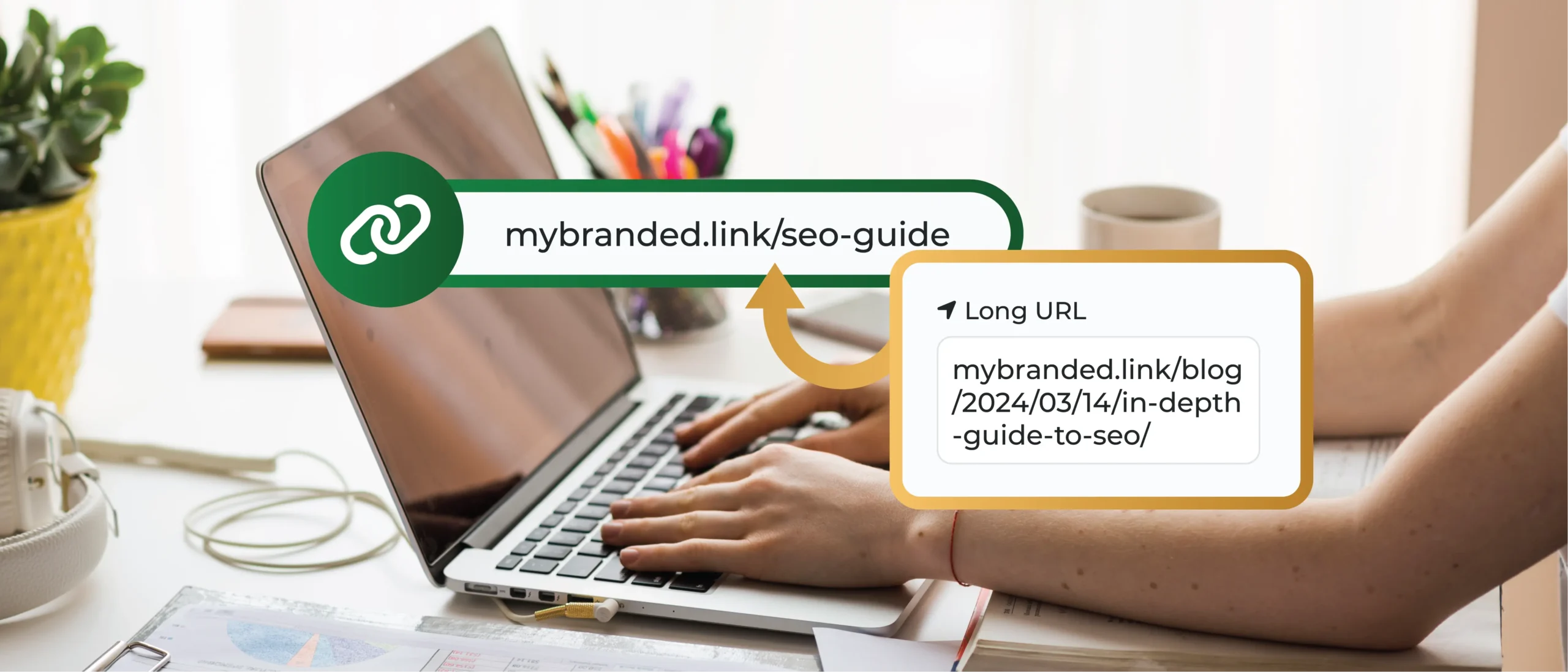
Imagine you have a blog post on your website with a URL that looks like this:
example.com/blog/2024/03/14/in-depth-guide-to-seo/
While this URL accurately points to the content, it’s not exactly memorable or user-friendly. Through URL masking, you can create a new, more manageable URL like:
example.com/seo-guide/
This masked URL is shown in the browser’s address bar, which hides the original, complex address while still delivering users the same valuable content.
Different URL Masking Techniques
There are several ways to achieve URL masking, each with its own advantages and limitations.
Here’s a quick overview:
- 301 Redirects: This is a server-side technique that permanently redirects users from the masked URL to the original one. Search engines recognize 301 redirects and may even pass on some of the SEO “juice” from the masked URL to the original one.
- 302 Redirects: Developers use a 302 temporary redirect to temporarily direct traffic to a new URL. This is often done for A/B testing purposes or to ensure a seamless website experience while pages are undergoing maintenance.
- Meta Refresh: This technique involves embedding code in the masked web page that automatically refreshes and redirects users to the original URL after a brief delay. It is not ideal for user experience, and search engines may not favor it.
Pros of URL Masking
There are several advantages to using URL masking effectively:
- Enhanced User Experience: Long, complex URLs can be intimidating and difficult to remember. URL masking transforms them into clean, user-friendly links that are easier to type, share, and recall.
- Brand Consistency: Masked URLs can incorporate your brand name, reinforcing recognition and trust. Imagine the difference between a user clicking “[invalid URL removed]” and “[invalid URL removed].”
- Improved Click-Through Rates: Shorter, more aesthetically pleasing URLs can lead to higher click-through rates, especially in marketing campaigns and social media posts.
- Affiliate Link Masking: Affiliate marketers can use URL masking to hide unsightly affiliate codes within the URL, creating a cleaner and more professional look.
- Campaign Tracking: Masked URLs can be embedded with tracking codes, allowing you to gather valuable data on user behavior and campaign performance while keeping the original URL uncluttered.
Cons of URL Masking
While URL masking offers advantages, it’s important to be aware of potential drawbacks:
- SEO Impact: Search engines primarily rely on URLs to understand and rank your content. Excessive URL masking can make it difficult for search engines to properly index your pages, potentially impacting your SEO performance.
- Transparency Concerns: Users might feel distrustful if they can’t see the original URL behind the mask. It’s important to strike a balance between user-friendliness and transparency.
- Broken Links: If the masked URL is tied to a temporary marketing campaign, it might lead to broken links if the campaign ends.
When To Consider URL Masking: Key Use Cases
Now that we’ve unraveled the technical side of URL masking, let’s explore some scenarios where it can be a valuable tool in your arsenal:
1. Shortening Long, Unwieldy URLs
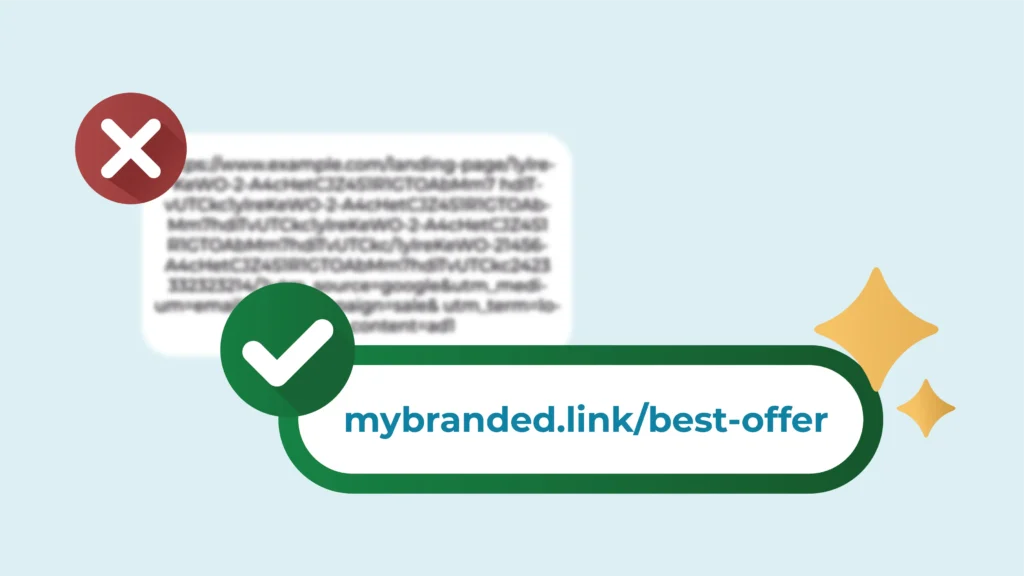
Imagine a landing page URL riddled with tracking parameters and internal codes. Not exactly user-friendly, right? URL masking allows you to create a shorter, more manageable version of this monster URL that’s easier to type, remember, and share. This can significantly improve user experience and encourage clicks.
2. Building Brand Recognition
Does your brand name get lost in the shuffle of the original URL? URL masking allows you to incorporate your brand name or relevant keywords directly into the masked URL. This reinforces your brand identity with every click and keeps your brand top-of-mind for users.
3. Streamlining Affiliate Links
Affiliate marketing can be a great way to monetize your website, but long affiliate links can detract from the flow of your content. Masking affiliate links thus allows you to clean up these links, creating a more professional and visually appealing presentation for your users.
4. Simplifying Tracking of Marketing Campaigns
Marketing campaigns often involve tracking user behavior to measure their effectiveness. Masked URLs with integrated tracking parameters can be a powerful tool for this purpose. By analyzing how users interact with these masked links, you can gain valuable insights into campaign performance and optimize your strategies for better results.
5. A/B Testing With Masked URLs
Want to test different versions of a landing page or call to action (CTA) without affecting your SEO? Here’s where masked URLs can shine. You can create multiple masked URLs pointing to different variations of the content, allowing you to run A/B tests and identify the most effective version for your audience.
How To Mask a URL With TinyURL
TinyURL has carved a niche as a popular URL shortening service, but its capabilities extend beyond simple character reduction. It also offers a URL masking service that seamlessly integrates with your broader marketing and branding strategies.
Here’s how TinyURL elevates URL masking:
- Branded Masking: TinyURL offers the option to create custom masked URLs that incorporate your brand name or relevant keywords. This reinforces brand recognition with every click and keeps your brand at the forefront of user interactions.
- Campaign Tracking Integration: TinyURL allows you to seamlessly integrate tracking parameters into masked URLs. This provides valuable data on user behavior within your marketing campaigns, helping you optimize your strategies for maximum impact.
- SEO-Friendly Masking: TinyURL understands the importance of SEO. Our masking practices are designed to minimize potential ranking penalties from search engines. We achieve this primarily by using HTTP redirects (explained earlier), ensuring search engines can properly index the content behind the masked URL.
Ready to mask a URL with TinyURL? Here’s a simple guide:
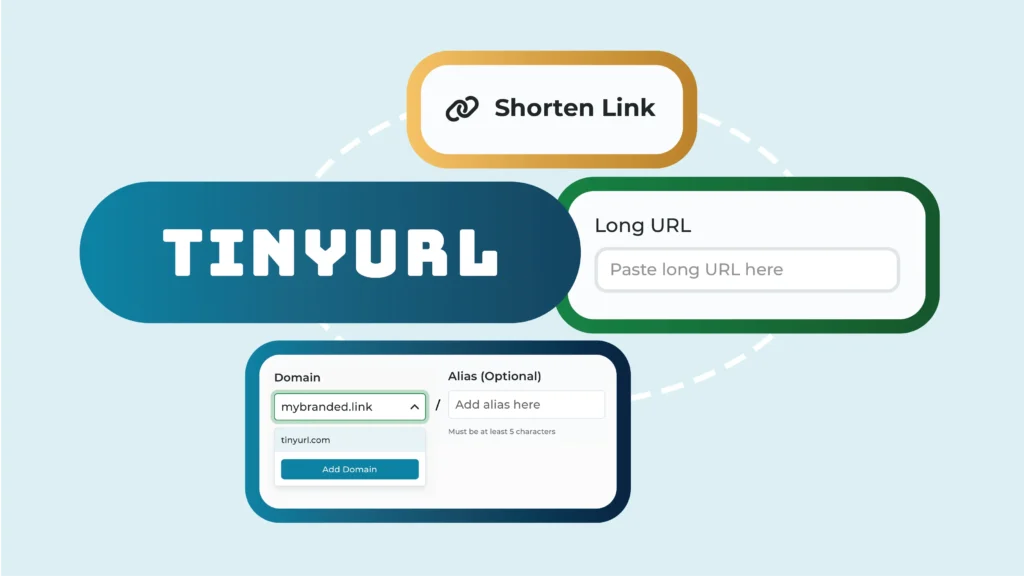
- Head to TinyURL: Navigate to the home page, https://tinyurl.com/app.
- Paste Your URL: In the designated field, paste the URL you want to mask.
- Customize (Optional): TinyURL offers a free “Custom Alias” feature. Here, you can create a shorter, more memorable masked URL that aligns with your brand or campaign. If you don’t have a specific preference, leave this field blank.
- Make it Tiny! Click the button labeled “Shorten URL!”
- Success! TinyURL will generate a new, masked URL along with the original URL for reference.
- Copy and Share: Copy the masked URL and use it wherever you would typically use the original URL. This could be in social media posts, email campaigns, or printed materials.
- Bonus Tip: The TinyURL platform offers a free plan with basic features and paid plans with additional customization options and analytics tools. Explore the options to find the plan that best suits your needs.

Best Practices for URL Cloaking
URL cloaking, also known as URL masking, can be a valuable tool, but wielding it effectively requires a strategic approach.
Here are some best practices to ensure your cloaked URLs enhance user experience, support your brand, and don’t negatively impact SEO:
1. Transparency Is Key
- Avoid Misleading Practices: Don’t cloak URLs to deceive users about the actual destination. Transparency builds trust and avoids negative user experiences.
- Consider a “Show Original URL” Option: Providing a way for users to see the original URL behind the mask demonstrates transparency and builds trust.
2. SEO Considerations
- Prioritize SEO-Friendly Redirects: Use HTTP 301 redirects (permanent) whenever possible. This ensures search engines properly pass on link juice (SEO value) to the original URL.
- Maintain a Clean Link Structure: Don’t add unnecessary parameters or tracking codes to the masked URL that might confuse search engines.
- Limit Cloaking Depth: Avoid excessive layering of cloaked URLs, as this can make it harder for search engines to crawl and index your content.
3. User Experience Matters
- Keep it Short and Sweet: Masked URLs should be concise and easy to remember. Focus on using relevant keywords or brand elements.
- Ensure Mobile-Friendliness: Masked URLs should display and function correctly across all devices, including smartphones and tablets.
- Track Click Performance: Monitor how users interact with your cloaked URLs. This data can help you identify any usability issues and optimize your links for better performance.
4. Tracking and Analytics
- Integrate Tracking Parameters: Utilize tools like TinyURL to incorporate tracking parameters into your masked URLs for valuable user behavior insights.
- Monitor Campaign Performance: Analyze data from masked URLs to gauge the effectiveness of your marketing campaigns and optimize your strategies.
5. Additional Tips
- Test Your Masked URLs: Ensure they redirect correctly and function as intended before sharing them.
- Stay Updated on Best Practices: Search engine algorithms and user expectations can evolve, so stay informed about the latest recommendations for URL masking.
Create Visually Appealing Shortened URLs Easily
Say goodbye to character-heavy URLs cluttering your marketing materials and social media posts. TinyURL empowers you to create visually appealing shortened URLs that are not only user-friendly but also seamlessly integrate with your brand identity.
Sign up for a TinyURL plan and create clean, SEO-optimized URLs with your own domain name. These URLs are:
- Easy to Remember: Craft custom aliases that incorporate your brand or relevant keywords, making your links instantly recognizable and memorable.
- Easy to Share: Shortened URLs are perfect for social media posts, emails, or printed materials. They take up less space and look more professional.
- Trackable (With Paid Plans): TinyURL allows you to integrate tracking parameters into your shortened URLs, providing valuable insights into user behavior and campaign performance.
Don’t settle for clunky, unappealing URLs anymore! Take control and start creating clean, shortened links with TinyURL’s URL masking and link tracking solutions.