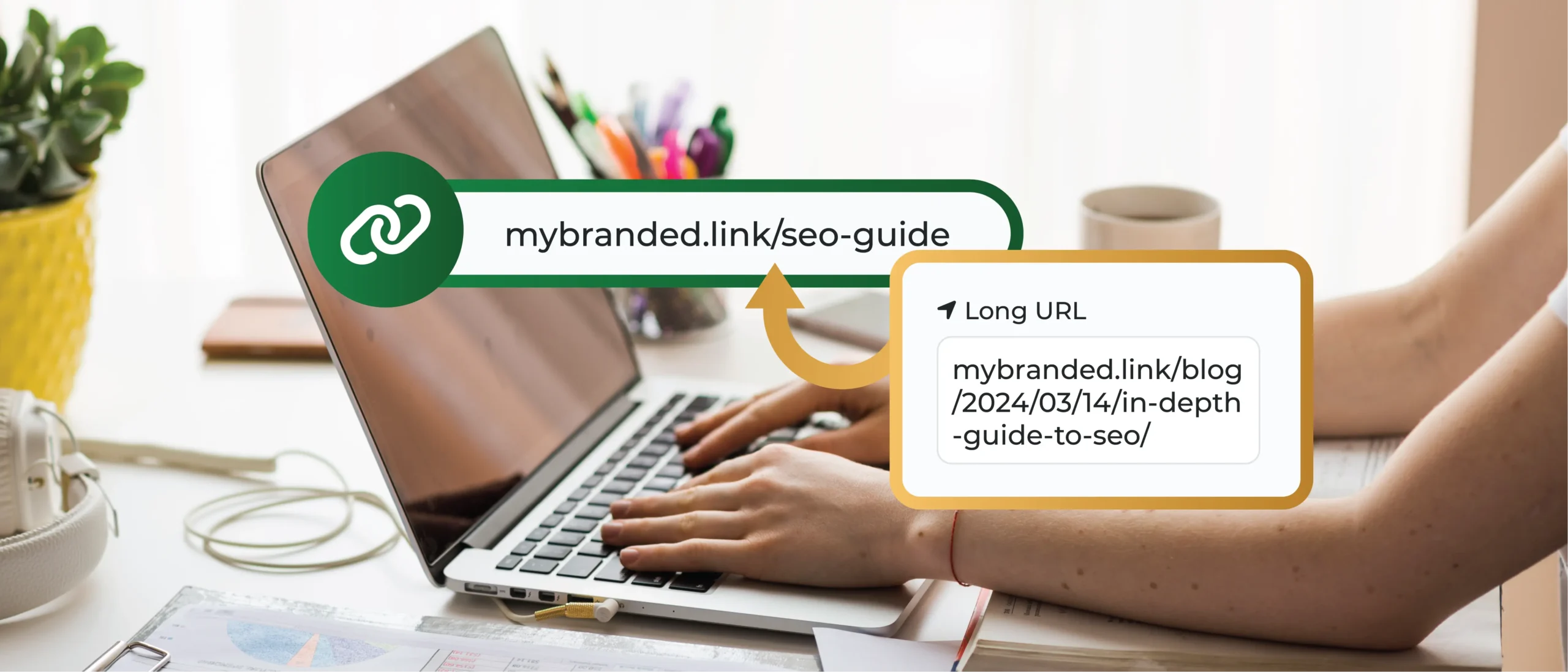
In 2026, advertising on Instagram remains a dynamic way to connect with your target audience. However, as the platform evolves, so do the strategies for capturing attention and driving engagement.
Whether you’re new to the scene or looking to refine your approach, this guide will provide you with the latest tips and techniques to create compelling Instagram ads that resonate with users and amplify your brand.
Main Takeaways From This Article:
- Understanding Instagram advertising allows businesses to capitalize on its dynamic ad features and audience behaviors to maximize ROI.
- The cost of Instagram ads can vary. Being aware of the advertising formats, targeting techniques, and effective ad placement can help optimize costs.
- Setting up an Instagram business account, linking it to a Facebook Ads Manager, and defining a clear campaign objective are crucial initial steps to advertising on Instagram.
- Creating engaging ad content accompanied by a call-to-action and a branded link, such as a TinyURL, can significantly boost ad performance and engagement.
- Using TinyURL’s custom link shortening and analytics services, businesses can enhance campaign tracking, gaining improved performance insights and understanding of their audience.
What Is Instagram Advertising?
Instagram advertising is a powerful digital marketing strategy that allows businesses to promote their products or services on Instagram’s platform. By leveraging various Instagram ad formats, targeting options, and creative techniques, these promotional efforts help brands reach their desired audiences, drive conversions, and achieve marketing objectives.
Why Advertise on Instagram?
Advertising on Instagram means tapping into a vast, engaged global audience. Brands not only have the chance to visually inspire, inform, and entertain potential customers but can also drive desired actions – be it website visits, event registrations, or product purchases- via clickable ads.
With its range of dynamic ad formats, Instagram allows brands to thoughtfully integrate commercial offerings into users’ feeds, weaving storytelling with salesmanship using Instagram story ads and ads on Instagram posts.
By leveraging Instagram’s strong ties with content creation and influencer collaborations, businesses can genuinely connect with their target audiences, enhancing reach and resonance beyond what organic posts can deliver.
How Much Do Instagram Ads Cost?
The cost of Instagram advertising can vary greatly, depending on several factors, such as your target audience, ad format, and campaign duration. On average, bid prices can range anywhere from $0.20 to $6.70 per click.
Keep in mind that Instagram’s advertising ecosystem is competitive, so having a clear understanding of your demographics and optimizing your ads to reach them can drive more cost-efficient results. It’s also worth noting that ad costs fluctuate throughout the year, typically rising during peak advertising periods.
Note: In May 2026, the average CPM (cost per thousand impressions) for Instagram ads was $15.78. The average CPLC (cost per link click) was $1.2. And the average LCTR (link click-through rate) for Reels was 1.35%.
Instagram Advertising Formats
Instagram provides various ad formats, and each one is designed to meet your unique marketing goals.
In-feed ads blend seamlessly with user content, while Stories ads offer full-screen takeovers for a more immersive experience.
Carousel ads let you use multiple images or videos in a single post for deeper storytelling. IGTV ads can help you capture long-form attention, whereas Shopping ads drive purchases directly from Instagram.
Explore Reels for quick, engaging content, and pick Collection ads for curated product showcases. And let’s not forget about ads in Explore for greater reach.
How To Run Ads on Instagram Step-By-Step
Are you ready to create Instagram ads? Here’s a step-by-step guide to setting up and launching successful Instagram ads.
1. Set Up an Instagram Business Account
This is a straightforward process; just follow these steps:
- Download the Instagram App: Install the Instagram application on your mobile device from the App Store or Google Play.
- Create an Account: Once you have the app, you either sign up using an email address or log in with an existing Facebook account.
- Switch to a Business Profile: Navigate to your profile and tap on the three-line icon at the top right. In settings, select ‘Switch to Business Profile.’ This grants access to Instagram Insights, which allows you to understand how your content performs and what resonates with your audience.
- Include Essential Business Information: Populate your business profile with crucial information. Don’t forget your business description, contact details, and website link, which can be tracked using TinyURL’s custom link service for better insights.
- Brand Your Bio: Your bio, with a 150-character limit, is where your brand gets to make a first impression. Utilize this space creatively to reflect your brand’s voice and image.
2. Link to Facebook Ads Manager
Creating a streamlined ad campaign often requires a cohesive integration of platforms. Here’s how you can connect your Instagram account to the Facebook Ads Manager:
- Log Into Your Facebook Business Suite: Begin by logging into your Facebook page and then onto your Facebook Business Suite account. If you haven’t created your Business Suite yet, follow Facebook’s guide to set up your account. This Facebook-powered tool is where you’ll manage both your Facebook and Instagram ad campaigns.
- Connect Your Instagram Account: Navigate to the “Settings” tab, select “Instagram,” and then click “Connect Account.” Enter your Instagram credentials, and your account will be linked.
- Verify Connection Status: After you’ve entered your Instagram details, ensure the connection was successful. You should see your Instagram account under the Instagram section of your Facebook Business Suite settings.
- Ready for Ad Creation: Now that your Instagram is connected to your Facebook Ad Manager, you can start crafting your ad campaign. Instagram ads created through Facebook Ads Manager allow for more flexibility and control over your advertising strategy and optimization.
- Access to Advance Tools: Linking your accounts not only simplifies your ad management process but also gives you access to Facebook-specific tools for managing and optimizing your Instagram ad campaigns. These include ad scheduling, targeting based on detailed demographics, and comprehensive analysis of campaign data.
Pro tip: Be sure to also utilize your Facebook ad account and meta ads manager to run meta-paid ads and Facebook Pixel to help you track conversions from Facebook ads.
3. Define Your Campaign Objective
When thinking of your advertising campaign, defining your campaign objectives is a crucial step. Every choice you make later depends on what you decide in this phase.
Here are some vital points to consider:
- Brand Awareness: Your objective can be to get your brand noticed. You may aim to reach as many people as possible who fit your desired audience.
- Drive Traffic: If your goal is to maximize the number of people visiting your website or using your app, then driving traffic is your objective. For example, you could be wanting to boost registrations or increase blog readership.
- Lead Generation: Lead generation is the process of accruing information about potential customers who have shown interest in your brand or service, which allows for more targeted outreach.
- Sales and Conversions: If you aim to increase purchases, downloads, or subscriptions, then sales and conversions are your game.
- Engagement Boost: This is the objective if you want to stimulate more interaction with your content. Likes, comments, shares, or video views signal stronger relationships with your audience, potentially leading to higher loyalty and support for your brand.
4. Target Your Desired Audience
As you venture into Instagram advertising, a crucial step involves identifying and reaching your target audience. Consider these elements:
- Deep-Dive Into Demographics: This includes age, gender, geographical location, and other socio-economic metrics. By understanding such factors, you can tailor your ad content to resonate more with your audience.
- Interests and Behaviors: Instagram provides targeting options such as interests and behaviors to help you reach people who are more likely to be interested in your product/service.
- Custom Audiences: If you have a list of email addresses or phone numbers of your customers, you can use this data to target them on Instagram. By serving your ads to these people, you have a high chance of making conversions because they already know your brand.
- Lookalike Audiences: This feature finds other users on the platform whose profiles and behaviors match those of your custom audience, significantly increasing your potential reach.
- Re-targeting: If people have visited your website or interacted with your ads before, they can be targeted again to prompt them to complete an action they didn’t finish, like making a purchase.
5. Choose Ad Placement and Format
Choosing the right ad placement and format can make a considerable difference in your campaign’s effectiveness. Let’s run through the key steps:
- Deciding on Ad Placement: Instagram offers various ad placement options, such as the feed, stories, the explore section, and its partner platform, Facebook. Your choice should align with where your target customers are most active. For instance, Instagram Stories can be a great place to engage younger audiences, while the feed might be more appropriate for long-form content.
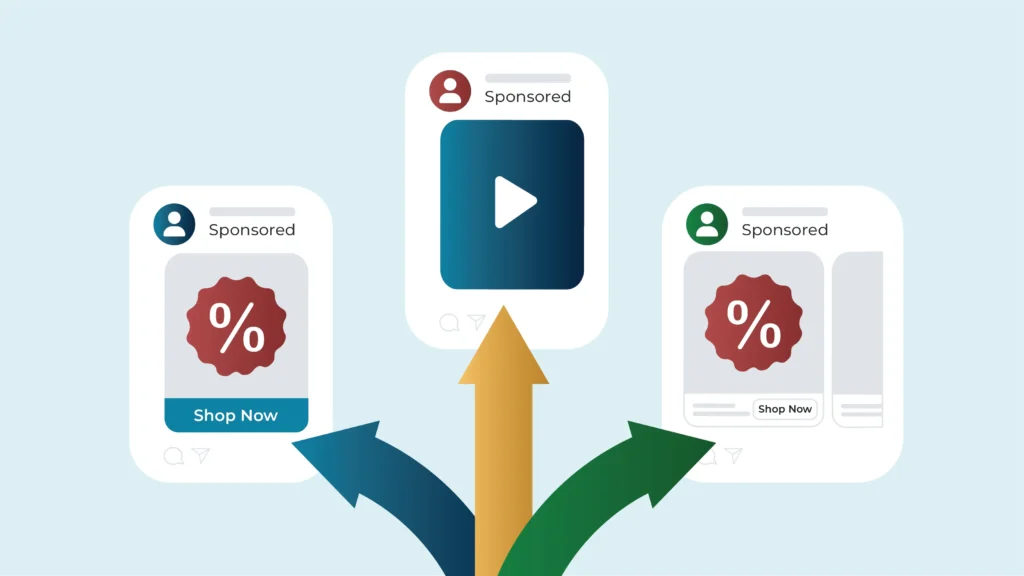
- Selecting the Best Ad Format: Instagram provides diverse ad formats, including image ads, video ads, carousel ads, collection ads, and Instagram Shopping ads. You must choose a format that aligns with your marketing objectives and the content preferences of your targeted audience.
- Innovative Use of Carousel Ads: Ideal for storytelling or showcasing multiple products, Carousel Ads allow users to swipe through a series of images or videos.
- Maximizing Video Ads: With the growing popularity of visual content, Instagram Video Ads can be used to share product demonstrations, customer testimonials, or a behind-the-scenes look at your brand.
- Exploring Instagram Shopping Ads: If you’re a retail brand, Instagram Shopping Ads can be a game-changer. These ads tag products directly within your Instagram images, allowing users to shop with just a few taps. This streamlines the buyer journey, potentially leading to improved conversion rates.
6. Set Budget and Schedule
Here’s how you can go about this critical step.
- Determine Your Advertising Budget: Finalize how much you’re willing to spend on your Instagram advertising campaign. Your budget should account for all possible costs, from ad creation to monitoring.
- Select a Daily or Lifetime Budget: Instagram allows advertisers to choose between a daily budget and a lifetime budget. A daily budget lets you spend a specified amount per day, whereas a lifetime budget allows your ad spend to be spread throughout the campaign.
- Plan Your Ad Schedule: Decide on the timing and frequency of your ads. You can schedule your ads to run all day, or you can choose specific hours of the day.
- Set Ad Delivery Method: Instagram offers two delivery methods – standard and accelerated. Standard delivery shows your ads throughout the day, while accelerated delivery is designed to show your ads as quickly as possible. Choose the option that’s best suited for your campaign objectives.
- Adjust Bid Strategy: Depending on your campaign objective, you may need to adjust your bid strategy. Instagram ads function on a bidding system, like auctions.
7. Create Engaging Ad Content
Here’s how you can create an Instagram ad with engaging content:
- Embrace Authenticity: Your audience loves seeing real people using and enjoying your products. If possible, try to incorporate UGC into your ad content.
- Time Your Posts Wisely: Tools like Instagram Insights can help you track your followers’ active times, enabling you to time your ad posts for maximum visibility and engagement.
- Experiment with Formats: Not all ads have to be still images. Try a mix of formats, such as videos, carousels, and stories, and use Instagram’s ‘Explore’ feature to reach more people.
- Use Bite-Sized Video Loops: Instagram users love bite-sized videos that hook viewers with text that takes a few loops to read completely. Such looping videos can give your content a significant boost in view count and interaction metrics.
- Promote Relevant Products: Share content promoting products that align with your audience’s tastes and needs. Relevant ads not only attract the attention of your followers but are also more likely to drive organic traffic to your profile or website.
8. Add a Call to Action and Branded Link
Once you’ve developed compelling ad content, it’s time to make your ad actionable. This is where your Call to Action (CTA) and branded link come into play:
- Identify Your Core CTA: Each ad you create should revolve around a primary action you want your viewers to take. Whether it’s visiting your website, downloading an app, or purchasing a product, make this instruction clear and concise.
- Integrate Them into Your Ad: Make sure your CTA guides the users to the URL you’ve created. Place them tactfully in your content where they stand out and don’t disrupt your message.
- Optimize for Conversions: All CTAs and branded links should lead to a landing page optimized for conversions. Make sure the page your audience arrives at is on-brand and provides an easy route to complete the desired action.
- Test and Rethink: Sometimes, a campaign may not work as expected, and change is needed – in your ad, CTA, or even the linked landing page. Regularly test your CTA’s efficacy and tweak it as necessary. Even a minor change can make a significant difference.
Once you have your core CTA, your next step is to create custom links with TinyURL. Branded links not only look professional but also help track campaign performance.
9. Launch Your Ad and Monitor Performance
Finally, it’s time to launch your ad and closely monitor its performance. As you embark on this final step, keep these tips in mind:
- Hit the Launch Button: Click on the “Confirm” button and anticipate the result of your hard work. Remember, once the ad is live, it doesn’t signify the end of the task but the beginning of a learning curve.
- Regular Performance Check: Revisiting your Instagram Ads Manager should become your routine. Track key metrics such as reach, impressions, click-through rates, and conversions.
- Adjust in Real Time: Monitor your ad’s performance daily and tweak elements that aren’t performing as well as they should. These might include ad content, audience targeting, ad placement, or even the budget.
- Learn from Your Ads: Every ad offers a valuable lesson. Whether successful or not, extract insights from each campaign to enhance future ones. Each campaign is an opportunity to understand your audience better, refine your content strategy, and elevate your overall content marketing game.
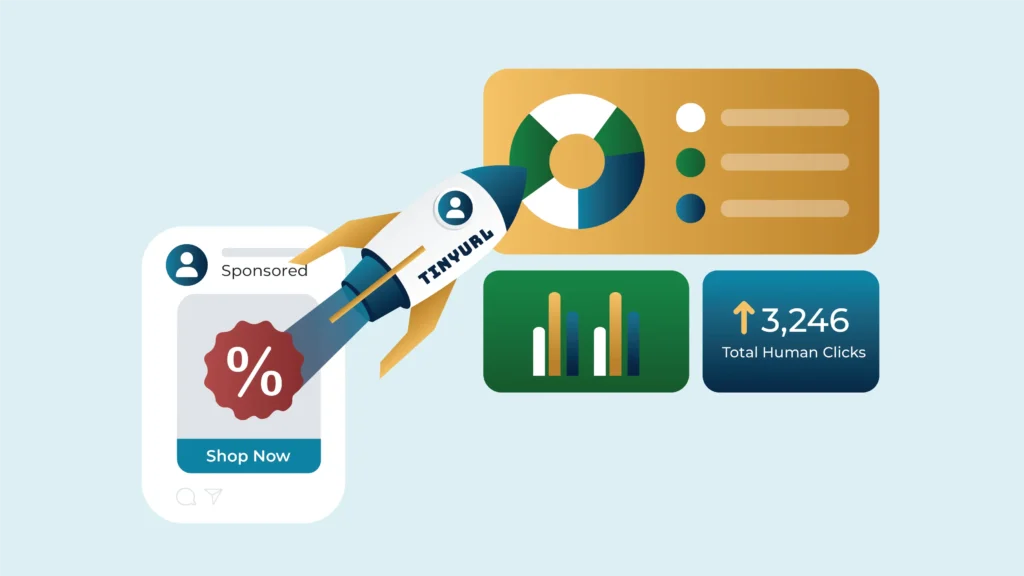
Integrate TinyURL’s customized link analytics to access in-depth and accurate data on your ad’s performance. Understand what features of your ad are driving traffic and engagements, thus paving the way for smarter campaigns.
Boost Your Instagram Ad Campaign With TinyURL
Are you gearing up to launch a high-impact Instagram ad campaign? Enhance its effectiveness with TinyURL’s advanced link shortening and analytics services. By integrating TinyURL into your Instagram strategy, you can transform how you track and analyze your ads.
- Custom URLs: Tailor your links to reflect your campaign and brand, making them memorable and trustworthy to your audience. Custom URLs streamline the user experience and boost the aesthetic appeal of your ads.
- Enhanced Tracking Efficiency: With TinyURL, you gain access to precise tracking tools that monitor every click your ad receives. Understand where your traffic is coming from and how users interact with your links, enabling you to optimize your campaigns in real-time.
- In-depth Analytics: Dive deep into your campaign performance with our robust analytics. Identify engagement patterns, audience preferences, and conversion rates. These insights allow you to continuously refine your strategy, targeting more effectively and increasing the ROI of your ads.
Ready to supercharge your Instagram campaigns? Experience the benefits firsthand and make your ads more impactful with TinyURL.