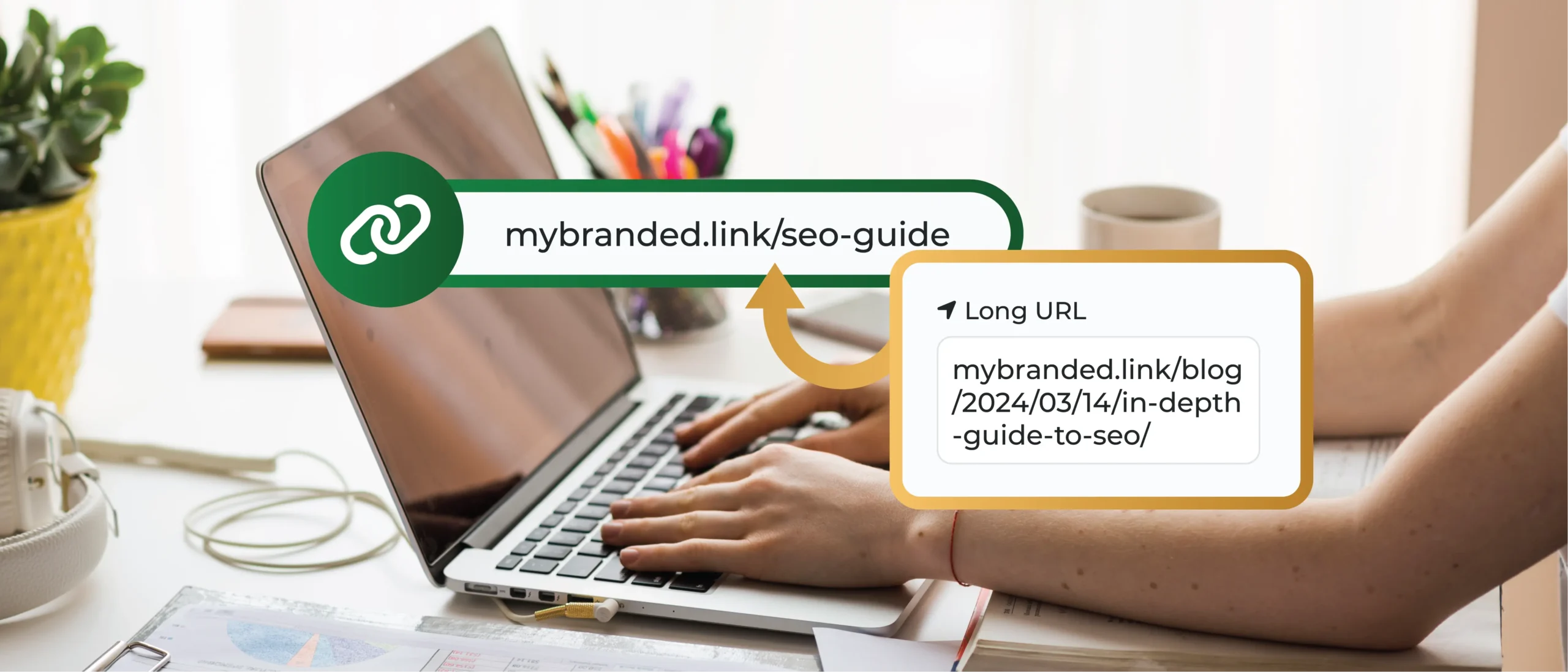
Have you ever felt frustrated by those ridiculously long URLs cluttering up your Facebook posts? We have all been there. They make your content look messy and take up valuable character space, and frankly, who wants to click on something that looks like a jumbled mess of letters and numbers?
This is where Facebook link shorteners come in handy. In this post, we will explore the use of shortened links and explore how they can elevate your Facebook strategy, particularly for businesses and marketers who rely on the platform for promotion and engagement.
Main Takeaways From This Article:
- Shortened URLs help clean up Facebook posts and ads by eliminating long, cluttered links. This makes them more visually appealing and easier to manage, which can potentially increase user engagement.
- Studies suggest that clear and concise links can lead to higher click-through rates (CTRs). Using a Facebook URL shortener like TinyURL can make links easier to read and more enticing, driving more traffic to your content.
- TinyURL allows the creation of custom domains for shortened links, enhancing brand presence on Facebook. It also offers detailed analytics, enabling businesses to track user interactions, geographical data, and device usage to optimize Facebook marketing strategies.
- Short URLs can enhance communication and promotional efforts by being integrated into various aspects of Facebook marketing, such as regular posts, ads, direct messages, and event pages.
- Adhere to Facebook’s linking policies and ensure shortened links are safe and lead users to the intended content. Using a reputable service like TinyURL can help maintain link quality and user trust.
Understanding Link Shorteners
Put simply, link shorteners are tools that transform lengthy URLs into concise, easy-to-manage links. Think of it like giving your website address a nickname for smoother sharing.
Here’s why using short links is crucial on social media platforms like Facebook:
- Visual Appeal: Long URLs occupy valuable space in character-limited areas like post previews or ad headlines. They can also look cluttered, making them less visually appealing to users scrolling through their feeds.
- Trustworthiness: When done right, shortened links can actually appear cleaner and more trustworthy than a long, cryptic URL.
Benefits of Using a Facebook URL Shortener
There are many compelling reasons to use a Facebook URL shortener. Here are a few key benefits:
- Aesthetic Enhancement: A clean, shortened URL makes your posts and ads look much better. Gone are the days of clunky, space-hogging links. Shortened links create a more streamlined and professional presentation.
- Performance Improvement: Studies have shown that clear, concise links tend to generate higher click-through rates (CTRs). Shortened URLs are easier to read and understand, enticing users to click and explore your content further.
- Space Efficiency: As mentioned earlier, Facebook’s character limitations are real. Shortened links free up valuable space in your posts and ad headlines, allowing you to include more captivating descriptions or calls to action (CTAs).
How To Use TinyURL to Create Short Links for FB
Now, let’s talk about TinyURL, a popular link shortener offering fantastic features specifically suited for Facebook use. Here’s what makes TinyURL a great choice:
- Custom Domains: Brand consistency is key! TinyURL allows you to create custom domains (e.g., mybranded.link) for your shortened URLs, further solidifying your brand presence on Facebook.
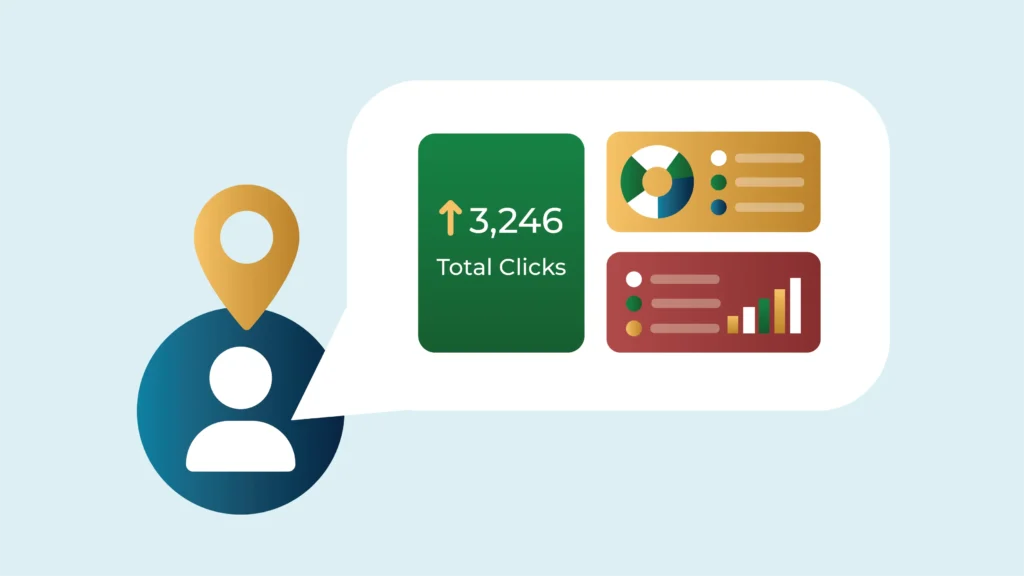
- Detailed Analytics: TinyURL provides comprehensive analytics on your shortened links, allowing you to track how many users clicked them, their location, and even the devices they used. This valuable information helps you understand your audience better and optimize your Facebook marketing strategies.
- QR Code Creation: With TinyURL, you can generate QR codes that directly link to your Facebook page or specific content. This allows you to seamlessly integrate your Facebook presence with physical marketing materials like brochures or flyers.
While Facebook doesn’t offer a built-in link shortener, it automatically shortens links when you paste them into a post. However, you cannot control the generated link and any potential branding opportunities.
Shortening Links for Facebook Using TinyURL
Here’s a quick guide on how to use TinyURL for your Facebook marketing:
- Head over to the TinyURL website (https://tinyurl.com).
- Paste the long URL you want to shorten into the designated field.
- If you create a TinyURL Pro account, you can customize the shortened link (although this isn’t always necessary).
- Click the “Shorten URL” button.
- Voila! Your shortened link is ready to copy and paste into your Facebook post, ad, or message.
Analytics Overview: Make Data Work for You
TinyURL’s analytics provide valuable insights into user interaction with your shortened links. Here’s how you can leverage this data to optimize your Facebook marketing strategy:
Tracking User Interaction Through Click Data
- Total Clicks: See how many times your shortened link has been clicked. This is a basic metric to gauge overall interest in the content you’re promoting.
- Click-Through Rate (CTR): This metric tells you the percentage of users who saw your link and actually clicked on it. Tracking CTR across different campaigns allows you to identify what resonates best with your audience.
- Time Series: Track the number of clicks your link receives over time. This can reveal trends and patterns. Did a specific Facebook post generate a surge in clicks? Understanding these patterns can help you schedule future content for maximum impact.
Geographical and Device-Specific Analytics
- Location Data: See where your clicks are coming from geographically. This helps you tailor your Facebook marketing strategy to specific regions if needed. For example, if you see a surge in clicks from a particular country, you might consider translating your content or running targeted ads in that region.
- Device Type: Analyze the types of devices users click from (desktop, mobile, tablet). This information lets you optimize your content for different screen sizes and user experiences.
By using TinyURL’s analytics alongside Facebook Insights, you can gain a comprehensive understanding of your audience and how they interact with your content.
This data empowers you to make data-driven decisions for optimizing landing pages, refining content, and targeting strategies, supercharging your Facebook marketing efforts for maximum impact.
Pro Tip: Review your TinyURL analytics regularly and track trends over time. This will help you stay ahead of the curve and adjust your Facebook strategy accordingly from time to time.
Integrating Shortened URLs in Facebook Marketing Strategies
Let’s explore how to integrate shortened URLs seamlessly into your Facebook marketing strategies. Here are some practical examples:
1. Regular Posts on Your Facebook Page
Shortened links keep your posts clean and visually appealing, allowing you to include more engaging text or a compelling call to action (CTA). They can be used in updates, surveys, and posts that can be regularly shared. For example, instead of a long blog post URL, use a shortened link and entice users with a captivating question like, “Social media can help your business grow — find out how!”
2. Facebook Ads
Using short links in your Facebook ads not only saves text space for catchy headlines and engaging content but can also significantly boost click-through rates and increase traffic to your target pages. When you use your branded short links in your Facebook ads, tracking click and conversion rates becomes a breeze.
For instance, if you run several ad campaigns for different products using unique short links like ‘[invalid URL removed]’ and ‘[invalid URL removed]’ for each campaign, you can easily see which product is more popular among your audience.
3. Direct Messages
Another great place to use shortened links is in your direct messaging campaigns. By occupying only minimal space, these sleek links make your messages look clean and prevent them from appearing like spam. Further, you can incorporate a compelling CTA, encouraging your recipients to click the link!
4. Event Pages
Facebook Live streams are a great way to engage your audience. Shorten the link to your live stream event and include it prominently on your Facebook event page. This makes it easy for users to tune in and participate.
Custom Domains: Branding and Tracking Powerhouse
TinyURL allows you to create custom domains for your shortened links. This is a powerful tool for enhancing brand visibility and campaign tracking on Facebook:
- Brand Consistency: Replace the generic TinyURL address with a custom domain that reflects your brand name or campaign theme. This builds brand recognition and trust with your audience. For instance, a bakery promoting a new recipe on Facebook could use a custom domain like “[invalid URL removed]” instead of a generic shortened link.
- Campaign-Specific Tracking: Create unique custom domains for different campaigns. This lets you track clicks and conversions of each campaign separately, providing valuable insights into their effectiveness.
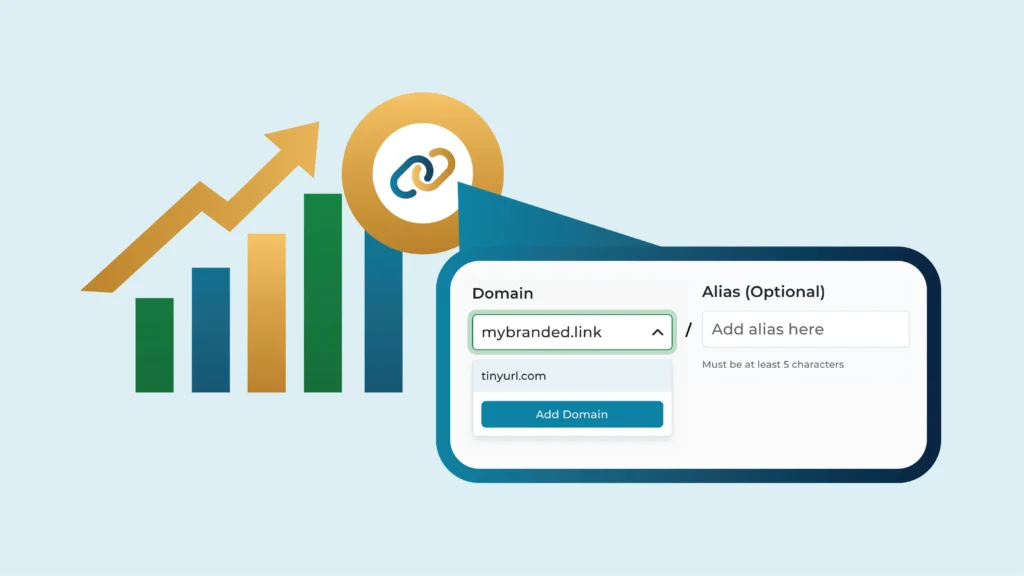
By strategically using shortened URLs with custom domains, you can elevate your Facebook marketing efforts and gain a deeper understanding of your audience’s engagement.
Always ensure your shortened links lead to relevant and high-quality content. Broken links or misleading content can damage your brand reputation on Facebook.
Considerations for Using Third-Party Link Shorteners on Facebook
While third-party link shorteners offer numerous benefits for Facebook marketing, there are a few key considerations to keep in mind:
1. Compliance with Facebook’s Linking Policies
Facebook has its own set of guidelines regarding linking practices. Here’s what to remember:
- Avoid Malicious Links: Never use shortened links to direct users to malicious websites or spam content. This goes against Facebook’s policies and could flag your account.
- Transparency is Key: Ensure the shortened link leads to the exact destination you’re promoting. Don’t use link shorteners to deceive users by redirecting them to unrelated content.
- Stay Updated: Facebook’s policies may evolve over time. It’s important to stay updated on their latest linking guidelines to ensure your practices remain compliant.
2. Avoid Spam Flags by Maintaining Link Quality
Shortened links can sometimes trigger spam filters on Facebook. Use reputable link shortener services like TinyURL, which has a good track record, to create shortened URLs. Regularly check the content behind your shortened links to ensure it remains relevant and valuable. If the content changes or becomes irrelevant, update your shortened link accordingly.
Also, while shortened links are valuable, don’t rely solely on them. Balance your posts with organic, full-length URLs to maintain a natural flow in your content strategy.
3. Ensure URL Safety and Trust from Users’ Perspective
Since shortened URLs don’t reveal the full destination at first glance, building user trust is crucial. Here’s how to ensure your shortened links are perceived as safe:
- Provide Context: Always provide context around the shortened links in your posts or ads. Briefly describe the content users can expect upon clicking. This transparency builds trust and encourages users to click.
- Use Branded Domains: Consider using TinyURL’s custom domain feature to replace the generic TinyURL domain with your own brand name. Using a branded domain builds brand recognition and makes shortened links appear more familiar and trustworthy.
- Avoid Shortened Link Overload: Don’t bombard users with too many shortened links in a single post. This can appear spammy and deter clicks. Use them strategically and provide context to ensure a positive user experience.
Elevate Your Facebook Strategy With TinyURL
Now that you’ve explored the power of link shorteners for Facebook marketing, it’s time to take your strategy to the next level! TinyURL offers a suite of features specifically designed to enhance your Facebook presence and optimize your campaigns.
TinyURL empowers you with:
- Clean, Appealing Posts: Shortened links keep your Facebook posts visually clutter-free, making them more engaging for users scrolling through their feeds.
- Improved Click-Through Rates: Clear, concise links with context build trust and encourage users to click, leading to potentially higher engagement and traffic.
- Maximum Space Utilization: Shortened links free up valuable character space in ad headlines and post previews, allowing you to craft compelling CTAs or add more details.
- Actionable Insights: TinyURL’s robust analytics provide valuable data on user interaction with your links, helping you optimize future Facebook campaigns for maximum impact.
Ready to experience the TinyURL difference? Sign up for a subscription and see how shortened URLs can transform your Facebook marketing efforts.