Brevity is key on Twitter (or X). With a character limit of just 280, every character counts. This is where link shorteners come in, playing a crucial role in maximizing the content you can share within a tweet.
While Twitter automatically shortens links using its own service, third-party link shorteners like TinyURL offer additional benefits like detailed link performance analytics and advanced tracking. This article delves into the benefits and mechanics of link shorteners for Twitter, exploring how they can transform your social media strategy.
Main Takeaways From This Article:
- Link shorteners like TinyURL convert long URLs into shorter versions, saving space in tweets and making them easier to share and read. A short URL is especially beneficial for making the most of Twitter’s 280-character limit and creating more meaningful content alongside links.
- Third-party shorteners provide additional features such as detailed analytics, advanced tracking, custom aliases, link expiration, and password protection. These tools enhance the effectiveness of social media strategies by offering insights into audience engagement and ensuring the security of shared links.
- Shortened links contribute to cleaner and more appealing tweets, which help you garner higher click-through rates. The simplicity and aesthetic improvement make tweets more attractive for readers, ultimately influencing their engagement.
- TinyURL’s tracking capabilities allow users to monitor the performance of their links through metrics like click-through rates, geographical data, and device usage. These valuable insights help refine Twitter strategies and optimize content for different audiences.
- Using third-party link shorteners can introduce risks such as limited control over the final URL, the potential disguise of malicious links, and reliability issues like downtime, which can affect user experience and trust.
- It is crucial to follow safe sharing practices on Twitter to avoid the risks associated with shortened links. Additionally, TinyURL’s custom link feature allows the creation of branded links that enhance brand visibility and trustworthiness, potentially increasing engagement and recall.
What Is a Link Shortener?
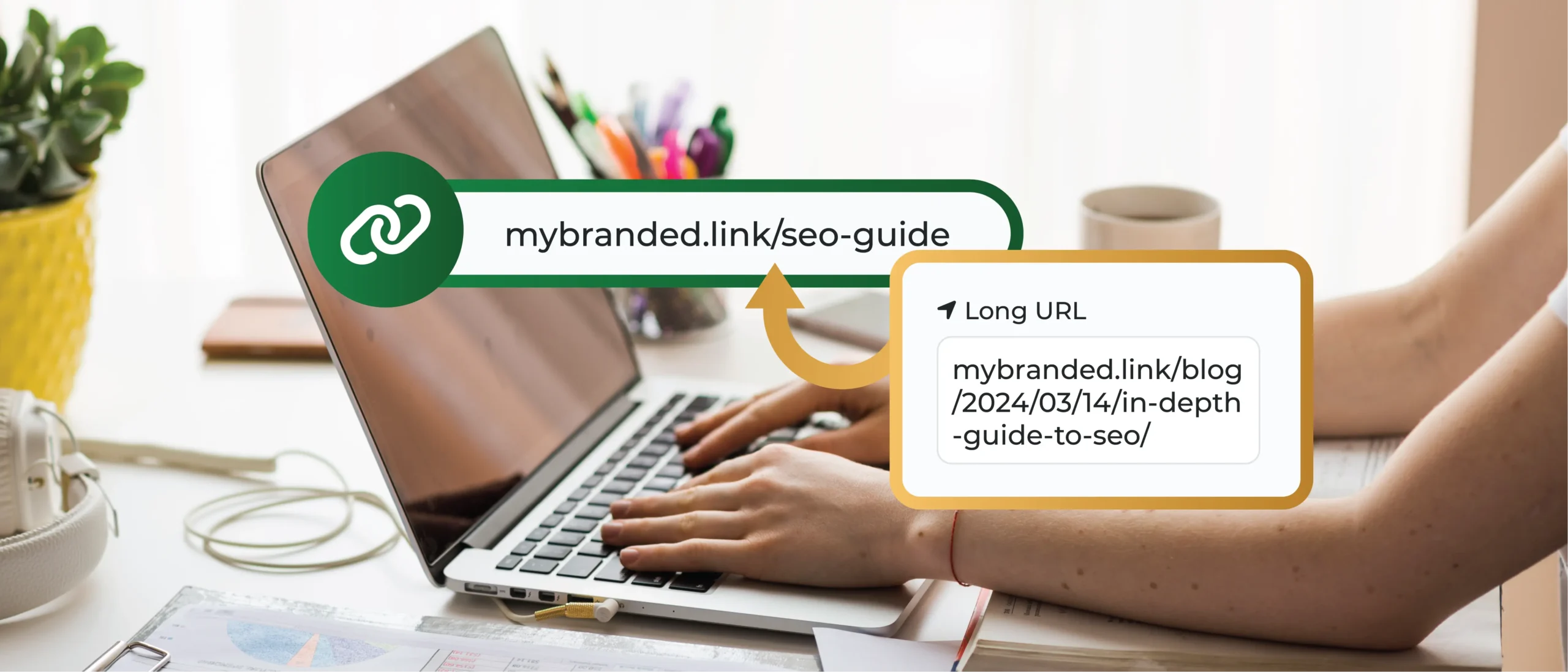
A link shortener is a tool that transforms long, hard-to-remember URLs (web addresses) into short, easy-to-use links. It works by taking a long URL and turning it into a shortened version. It’s a great tool that makes link-sharing easier.
For instance, a typical URL might look like this:
https://www.example.com/new-years-eve-sale-20-off
With a link shortener, it can be transformed into something like this:
https://mybranded.link/NYE20Off
This not only saves precious characters but also makes your tweet visually appealing to users.
Why Use a URL Shortener for Twitter?
Twitter’s character limit might seem generous at first. However, once you factor in essential elements like hashtags, mentions, and even basic punctuation, space becomes a valuable commodity. Here’s where link shorteners come to the rescue:
- Maximizing Message Content: Shortened URLs free up valuable space, allowing you to include more descriptive text in your tweet. This could be a call to action, additional information about the linked content, or even an engaging question to spark conversation.
- Aesthetics and Readability: Long URLs can clutter your tweets, making them visually unappealing and difficult to read. Shortened links provide a cleaner aesthetic, enhancing the overall readability of your message.
- Avoiding Malicious Site Warnings: Trusted link shorteners often scan URLs for potential security risks. This can prevent users from encountering warnings about malicious websites, fostering a safer Twitter experience.
- Enhancing User Engagement: Cleaner, more concise tweets are generally more engaging. Studies suggest that tweets with shortened URLs receive higher click-through rates than those with long URLs.
How To Shorten Links for Twitter With TinyURL
TinyURL is a free and easy-to-use link shortener that condenses lengthy URLs into bite-sized, more manageable versions. As you post links that have been shortened, you not only save valuable characters in your tweets but also create a cleaner, more aesthetically pleasing appearance. Additionally, TinyURL offers some unique features beyond basic shortening:
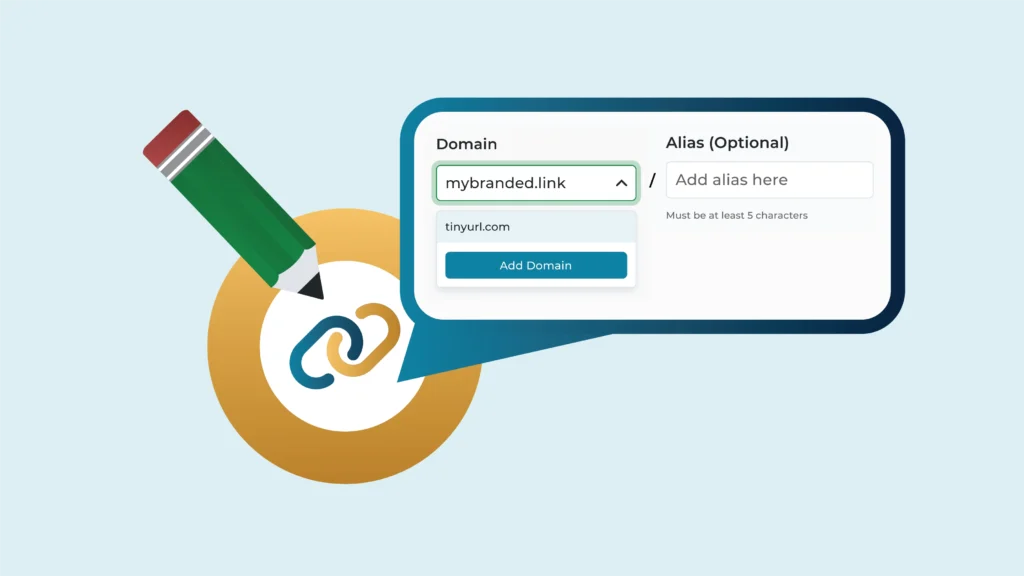
- Customization: You can create custom aliases for your shortened URLs and memorable and branded links to identify your business (this feature is available with a paid plan).
- Link Expiration: Set an expiration date for your shortened links, a helpful feature for temporary promotions or campaigns.
- Password Protection: For an extra layer of security, add password protection to your shortened links (available with a paid plan).
- Link Management: Manage all of your shortened links within TinyURL’s user dashboard. This can be done by:
- Using the platform’s full-scale link management services
- Viewing click statistics to see how many times each link has been accessed.
- Editing or deleting shortened links as needed.
- Campaign Monitoring and Analytics: This would allow you to track the performance of your shortened links in detail by helping you see:
- The geographic location of users clicking the links.
- The devices used to access the links (phones, computers, etc.)
- The time of day clicks typically occur
A Step-by-Step Guide to Shorten Links for Twitter With TinyURL
Here’s how to leverage the power of TinyURL for your Twitter campaigns in three simple steps:
- Head over to TinyURL: Log on to the TinyURL website by visiting the link https://tinyurl.com
- Paste Your Link: In the designated field, paste the long URL you want to shorten.
- Shorten It! Click the “Shorten URL” button, and the tool will quickly generate a shortened version of the pasted long link.
TinyURL allows you to further customize your shortened links by adding a custom alias. This can be helpful for branding purposes or for creating memorable links for repeat use.
Once you have your shortened link, you can use it anywhere on Twitter – in your tweets, replies, direct messages, and even your Twitter bio.
Unlock the Power of Your Newly Shortened Links
TinyURL goes beyond simple shortening links. It offers valuable tracking metrics to help you understand how your audience interacts with your tweets. Here’s how these metrics can inform your Twitter strategy:
- Click-through Rate (CTR): Track the number of times your shortened link is clicked. This metric helps you gauge the effectiveness of your content and identify tweets that resonate most with your audience.
- Geographical Data: See where in the world your clicks are coming from. This helps you understand your audience’s location and tailor your content to their interests or local trends.
- Device Usage: Analyze whether users primarily click on your shortened links from desktops, mobile devices, or tablets. This helps you optimize your tweets for different viewing experiences.
Optimize Your Twitter Strategy With Data-Driven Insights
By analyzing the click-through rate, geographical data, and device usage provided by TinyURL, you can make informed decisions about your Twitter strategy. For example:
- Low CTR? If a tweet has a low click-through rate, consider revising the accompanying message or using a more captivating image to entice clicks.
- Global Audience? If your audience clicks come from various locations, consider incorporating diverse content or using Twitter translation tools to expand your reach.
- Mobile Majority? If most clicks are from mobile devices, ensure your tweets and any linked content are optimized for mobile viewing.
You can transform your Twitter presence from good to great by effectively utilizing TinyURL’s shortening and tracking capabilities. So, start tracking links for the results that can supercharge your Twitter engagement.
Potential Pitfalls of Using Third-Party Shorteners on Twitter
While third-party link shorteners offer undeniable benefits for Twitter users, it’s important to be aware of some potential drawbacks and safety considerations:
- Limited Control: Unlike Twitter’s built-in shortener, you don’t have complete control over the shortened code generated by third-party services. This means you can’t predict the exact sequence of characters that will be used, and there’s no guarantee it will be brand-aligned or easy to remember.
- Potential for Spam: Unfortunately, the convenience of shortened links can be exploited by malicious actors. Shortened links can be used to disguise spam or phishing attempts. As a Twitter user, it’s crucial to be cautious when clicking on any shortened link, regardless of the source. Here are some red flags to watch out for:
- Unfamiliar Senders: Be wary of clicking links in tweets from unknown accounts.
- Suspicious Wording: Tweets with generic or overly promotional language urging you to click a link are often suspect.
- Too-Good-to-be-True Offers: If a tweet promises something incredible in exchange for clicking a link, it is most likely a scam.
- Broken Links and Downtime: Third-party shortener services can experience downtime or technical issues, potentially leading to broken links and frustration for your audience. While it is an uncommon issue, it is a possibility to consider.
Following Twitter’s Safe Link Sharing Guidelines
To mitigate these risks and ensure your tweets adhere to Twitter’s safety guidelines, here are some best practices:
- Know What You’re Sharing: Before shortening and sharing a link, take a moment to understand the content it leads to.
- Avoid Misleading or Harmful Content: Twitter strictly prohibits the sharing of links that promote violence, hate speech, or illegal activities.
- Use Caution With Shortened Links: If you’re unsure about the legitimacy of a shortened link, err on the side of caution and do not click it.
- Report Suspicious Activity: If you encounter a shortened link that appears to be malicious, report it to Twitter immediately.
Additional tips for safe link sharing
- Always provide context around the link you’re sharing in your tweet. Briefly explain what the link leads to and why your followers might find it valuable.
- Be wary of links promising free gifts or downloads. These often lead to scam websites.
- Educate your followers about the risks of clicking on shortened links from unknown sources. Remind them to be cautious and preview links before clicking.
By using third-party link shorteners responsibly and following Twitter’s safety guidelines, you can reap the benefits of shortened links while minimizing the risks. Remember, a little caution goes a long way in protecting your followers and maintaining a positive online presence.
Create and Share Branded Twitter Links With TinyURL
Tired of generic shortened links on Twitter? Want to elevate your brand and make a lasting impression? Look no further than TinyURL’s custom link feature!
TinyURL goes beyond simply shortening your URLs. Their custom link feature allows you to create branded links that incorporate your company name, tagline, or a unique keyword directly into the shortened URL itself. This offers several advantages:
- Brand Recognition: Branded links instantly showcase your brand identity whenever you share a link on Twitter. This reinforces brand awareness and builds trust with your audience.
- Increased Click-Through Rates: Studies show that branded links are more likely to be clicked compared to generic shortened URLs. The familiarity and professionalism associated with a branded link can entice users to engage with your content.
- High Recall & Trackability: Branded links are easier to remember and leave a lasting impression compared to a string of random characters. Additionally, with TinyURL’s custom link plans, you can track clicks and analyze user interaction with your branded links, providing valuable insights into your audience engagement.
Want to see how branded URLs can overhaul your Twitter strategy with enhanced audience engagement and a stronger brand identity? Sign up for a TinyURL plan to get started with branded links and analytics.
FAQs
1. Are URL Shorteners Safe to Use?
Yes, most reputable URL shorteners like TinyURL are safe to use. However, caution is advised. Always avoid clicking on shortened links that come from unknown sources, and consider hovering over links to see the original URLs before clicking. This helps verify the authenticity of the links received.

2. What Are the Benefits of Using a Link-Shortening Service for Twitter?
Link-shortening services offer several advantages. They save precious characters on Twitter, allowing for more content in your posts. They can also create cleaner-looking tweets and potentially increase click-through rates. Some services, like TinyURL, even offer campaign performance monitoring and analytics to help you track how users interact with your links based on metrics like geographic data and device type used.
3. Can I Create Custom Short URLs With a Link Service?
Yes! Some link-shortening services, like TinyURL, offer a custom domain creation feature that lets you create branded URLs. This allows you to integrate your company name or a unique keyword directly into the shortened URL to boost your brand recognition and click-through rates on Twitter.