Instagram has enabled brands and influencers to tap into a flourishing digital market, but how can you ensure that you’re using the platform to its fullest potential?
Enter link sharing.
It is a critical part of any social media strategy, acting as a pathway between your Instagram content and your online offerings.
In this article, we’ll explore the top methods for sharing links on Instagram, how to use them effectively, and how you can streamline the link-sharing process to amplify your results.
Main Takeaways From This Article:
- Understand the restrictions and techniques for sharing links on Instagram to increase engagement and drive traffic to your Instagram account.
- Use powerful methods such as bio links, story swipe-ups, post captions, and DMs efficiently to utilize and optimize visibility and clicks.
- IGTV descriptions, Instagram Shopping features, and sponsored posts are valuable resources that, when effectively employed, can improve audience interaction.
- Update and test different link strategies regularly to create compelling call-to-actions and maintain a clean and professional Instagram profile.
- Utilize tools like TinyURL to help create short, branded links suitable for Instagram’s formatting, track link performance, and derive insights on click-through rates.
Understanding Link Sharing on Instagram
To make the most of the Instagram app as an engagement-boosting tool, it’s important to first understand the platform’s specific rules and limits regarding link sharing.
Here’s a brief rundown of Instagram’s link-sharing policies:
- Instagram’s Link Sharing Limits: Instagram only allows clickable links in a few select places — your profile bio, direct messages (DMs), and story ‘swipe-ups’. The latter, however, is only available to accounts with 10,000+ followers and verified profiles.
- No Clickable Links in Captions: Another key limitation is the non-clickable nature of links in captions. This encourages users to keep their content within the Instagram ecosystem.
Despite these limitations, link sharing remains essential for increasing engagement and driving traffic to external content, websites, or products.
Skillful use of link sharing can lead your audience from your Instagram content to your website, blog, store, or any other destination, effectively turning followers into website visitors or customers.
Top Methods for Sharing Links on Instagram
For effective ways to share and add links on Instagram, use our tips below to learn top-tier methods that can help improve your Instagram traffic, increase audience engagement, and effectively guide your followers to your desired digital locations.
1. Instagram Bio Links
Sharing links on Instagram begins at the heart of your account – the bio. Adding a clickable link to your bio is pretty straightforward:
- Access Your Profile: On your Instagram mobile app or web profile, tap the ‘Edit Profile’ button located towards the top right.
- Add Your Link: In the section labeled ‘Website’, type or paste the URL you wish to share. This could be your website, blog, product page, or another social media profile. You can add up to five links here.
- Save Changes: Once you’ve added your URLs, click ‘Done’ (for mobile) or ‘Submit’ (for web) in the top right corner to save your changes.
Now that your link is in your bio, you’ll want to capitalize on visibility and click opportunities. Here are the best practices:
- Compelling Bio Text: Make sure the text in your bio reflects what users will find when they click your link. A well-crafted bio can drastically increase the number of clicks your link gets.
- Positioning Your Link: Use your website URL as the first item in your bio, as Instagram offers a bit of extra visual emphasis to it. This draws the users’ attention straight to your link.
- Call to Action (CTAs): In your posts and stories, remind your audience to check out the link in your bio; a popular phrase for this is “Link in Bio”.
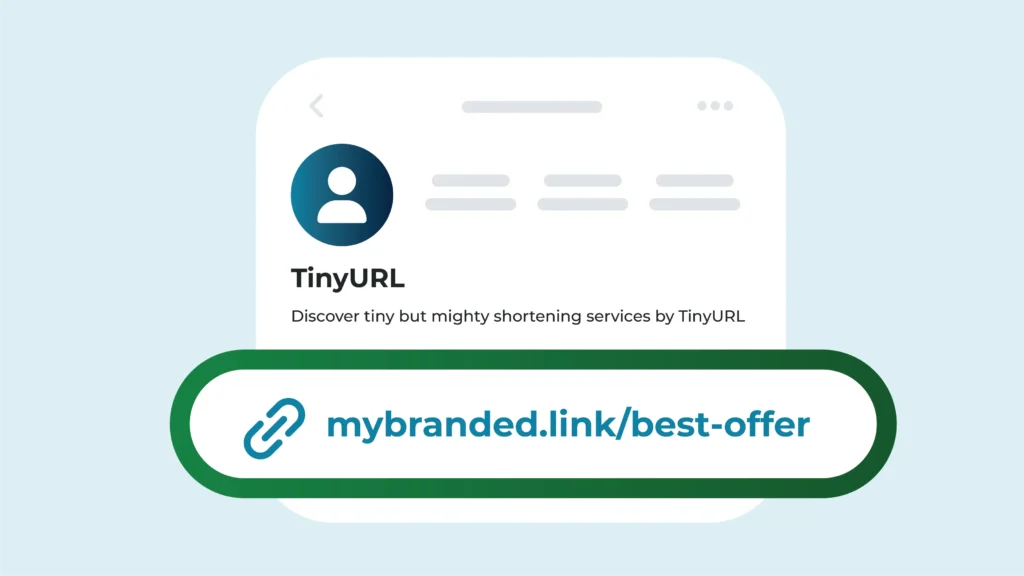
- Optimize your links with TinyURL: This nifty tool lets you create shorter, branded links that have a high recall quotient and look clean in your Instagram bio.
2. Instagram Stories
When it comes to sharing time-sensitive links or promoting special deals, Instagram stories are one of your strongest allies. Here’s a step-by-step process for adding a link to your Instagram story:
- Open Story Creator: Start by tapping on your profile photo or swipe right from your Instagram home screen to open the story creator.
- Create Your Story: Now, create your story using Instagram’s tools. Whether it’s a photo, a video, or a boomerang, ensure it’s engaging enough to compel users to click your link.
- Add Link Sticker: After creating your story, tap on the Sticker icon or button at the top, then choose the ‘link’ sticker. Only business accounts and verified profiles have access to these features.
- Add Your URL: Enter the URL to the webpage where you want to redirect your followers. Thoroughly check the link’s functionality before adding it to your story to avoid any errors.
- Publish the Story: Once you’ve added the link, tap ‘Done’ at the top, then publish your story. Your story stays live for just 24 hours, making it perfect for limited-time offers or time-sensitive information.
3. Instagram Post Captions
Now Instagram notably disallows clickable links in post captions or comments to mitigate spam and maintains a user-friendly, clutter-free experience. But don’t let this keep you from directing traffic where you want it.
Here are some tried and true methods for your Instagram posts:
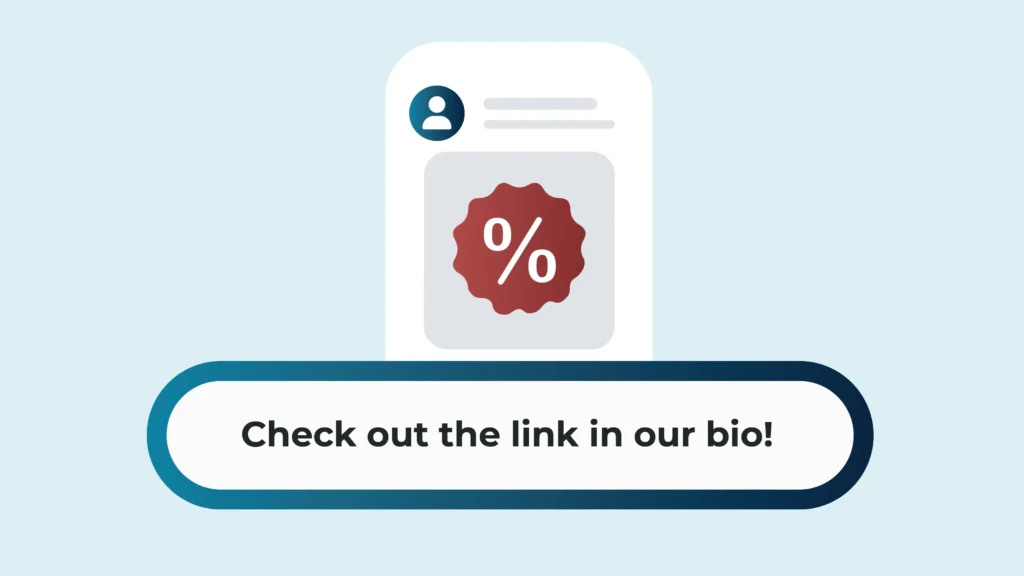
- Expert Use of ‘Link in Bio’: A simple yet effective strategy is to use your Instagram post caption to refer your followers to a link in your bio. A simple call to action, like “Check out the link in our bio!” encourages click-throughs.
- Employing Link Tools: Services such as Linktree enable you to keep multiple links under one URL, which you can then place in your bio. This way, you can share numerous destinations with your audience.
- Consistent Reminders: Regularly remind your followers in your posts about the link in your bio. Keep it fresh by changing the link to reflect your latest content, promotions, or partnership deals.
4. Direct Messages (DMs)
DMs offer a personal touch, making it easier to communicate directly and selectively with your followers and other Instagram users. So, let’s walk through how to share links using Instagram DMs and when to take advantage of this tool:
- How To Share Links in DMs: First, copy the desired link to your clipboard. Then, navigate to the DM section of Instagram – you can find this by clicking the ‘paper plane’ symbol on the top right of your homepage. Choose or search for your desired recipient, then paste and send the link.
- When To Use DMs for Link Sharing: DMs are particularly useful when you want to share links with specific individuals or groups. For example, if you’re a business, you might want to share exclusive promotional offers with loyal customers or share sneak peeks of upcoming products with potential influencers or partners.
5. IGTV Descriptions
IGTV, short for Instagram TV, is a perfect avenue for sharing longer-duration content with your audience, and it allows you to add clickable links in the descriptions!
Here are some of the benefits:
- Adding Clickable Links: Unlike Instagram captions, IGTV descriptions allow for clickable links. This means you can directly lead your audience to your website, online shop, or any other landing page. To do this, simply paste your desired URL into the description box while uploading a video.
- Extended Content Reach: IGTV allows you to share longer-duration content (up to 60 minutes when uploading from the web). With this extended time frame, you can engage your audience with in-depth content, tutorials, or webinars while simultaneously guiding them towards your links.
- Multiple Links in Descriptions: With IGTV’s generous character limit in the description area, multiple clickable links can be included. This can be great for sharing related resources, cross-promoting other content, or providing a series of steps for your audience to follow.
6. Instagram Shopping and Checkout
Instagram’s Shopping and Checkout features allow consumers to shop directly without ever leaving the app. These tools can truly transform an account into a virtual storefront where you can even have your shopping links synced.
Here’s how you can use shopping links effectively:
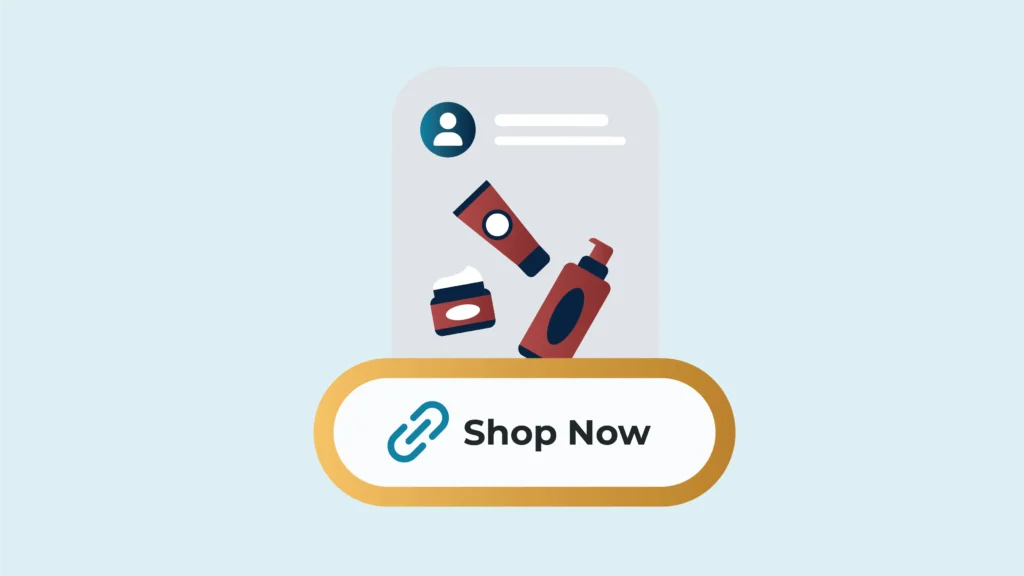
- Integrating Product Links: You can tag products right in your posts and stories, turning your rich, visually appealing content into an interactive shopping experience. With this, your audience can see pricing and product details directly to your branded Checkout on Instagram.
- Instagram Checkout Feature: A separate but interrelated feature, Checkout lets customers purchase items without leaving Instagram. The product’s specifics, payment options, and delivery details are all handled within the app.
- Eligibility for Instagram Shopping: Your business must be located in a supported market and sell physical goods that comply with Instagram’s commerce policies. Your account should be a Business or Creator profile and connected to a Facebook Page.
- Setup for Instagram Shopping: Once you’ve ensured eligibility, you can set up Shopping via the Settings tab for Business. You’ll need to manage your catalog through Catalog Manager or a partner platform and then await approval from Instagram.
7. Paid Advertising
Here are some key insights for leveraging the potential of Instagram’s paid advertising features:
- Sponsored Posts: To make a sponsored post, simply choose a captivating post from your feed and click on “Promote”. Add your desired URL to the ‘Website’ section before publishing.
- Story Ads: Story ads allow you to add clickable links, providing a seamless user experience. To create one, head over to your Facebook Ad Manager, select “Instagram Stories” as your only placement, include attractive visuals, and add your clickable link.
- Choosing the Right Format: Depending on your campaign’s goal and audience, different ad formats may be more effective. Carousel ads are perfect for showcasing a collection of products, while a single image or video ad can help highlight a particular product or service.
- Targeting Options: You can target people based on their interests, locations, demographics, behaviors, and more to ensure your advertisements are being seen by potential, relevant customers.
When to Use Each Method
Given the various methods available for sharing links on Instagram, it’s key to know when and how to use each one strategically to maximize your reach and engagement:
- Capitalizing on Your Bio Link: If you’re running a time-sensitive promotion or want to drive traffic to a specific webpage, such as a blog post or product listing, using your bio link is a great option.
- Leveraging Instagram Stories: For users who have access to the ‘swipe-up’ feature, Instagram Stories can be a powerful way to share links for time-limited offers or fresh content that you want to drive immediate traffic to.
- Maximizing Post Captions: While Instagram doesn’t allow clickable links in post captions, you can still utilize this feature to direct users to the link in your bio. This is especially useful when sharing content that complements or expands on the post’s content.
- Utilizing Direct Messages: If you’re planning to share personalized content or exclusive deals with a select group of followers, sharing links via DMs is your best bet.
- Using IGTV Descriptions: If you are sharing longer video content, incorporating links in your IGTV descriptions can drive traffic to your website or other platforms.
- Monetizing With Instagram Shopping: Businesses selling products on Instagram should consider using Instagram Shopping to integrate product links directly into their posts for a seamless shopping experience.
- Targeting With Paid Ads: If you’re looking to reach a new audience or strengthen engagement with your existing followers, sponsored posts and Stories with clickable links are a smart choice.
- Integrating Multiple Methods: Use multiple methods for a cohesive link-sharing strategy. Bio links, Stories, and IGTV, for instance, can all work in harmony to drive traffic and boost engagement.
Best Practices for Link Sharing on Instagram
Here are the top tips to ensure effective use of links:
- Crafting Compelling Call-to-Actions: Include a persuasive call-to-action (CTA) alongside your links. This acts as a prompt for your audience to click through, increasing engagement. Some examples of strong CTAs include “Learn More,” “Shop Now,” or “Swipe Up.”
- Regular Updates and Tests: Update your links regularly to keep the content fresh and engaging for your audience. Furthermore, conduct A/B testing to determine which links perform better and optimize for higher engagement rates.
- Maintaining a Professional Profile: A clean, professional Instagram profile is not just about the pictures you post. It extends to the effective use of links too. Ensure your bio link is relevant, up-to-date, and corresponds to your latest posts.
How TinyURL Enhances Instagram Link Sharing
When it comes to Instagram, every character counts, especially when you’re trying to share links. That’s where TinyURL steps in, transforming lengthy URLs into compact, manageable links that fit perfectly within Instagram’s format constraints.
Let’s understand how TinyURL can elevate your Instagram link-sharing game:
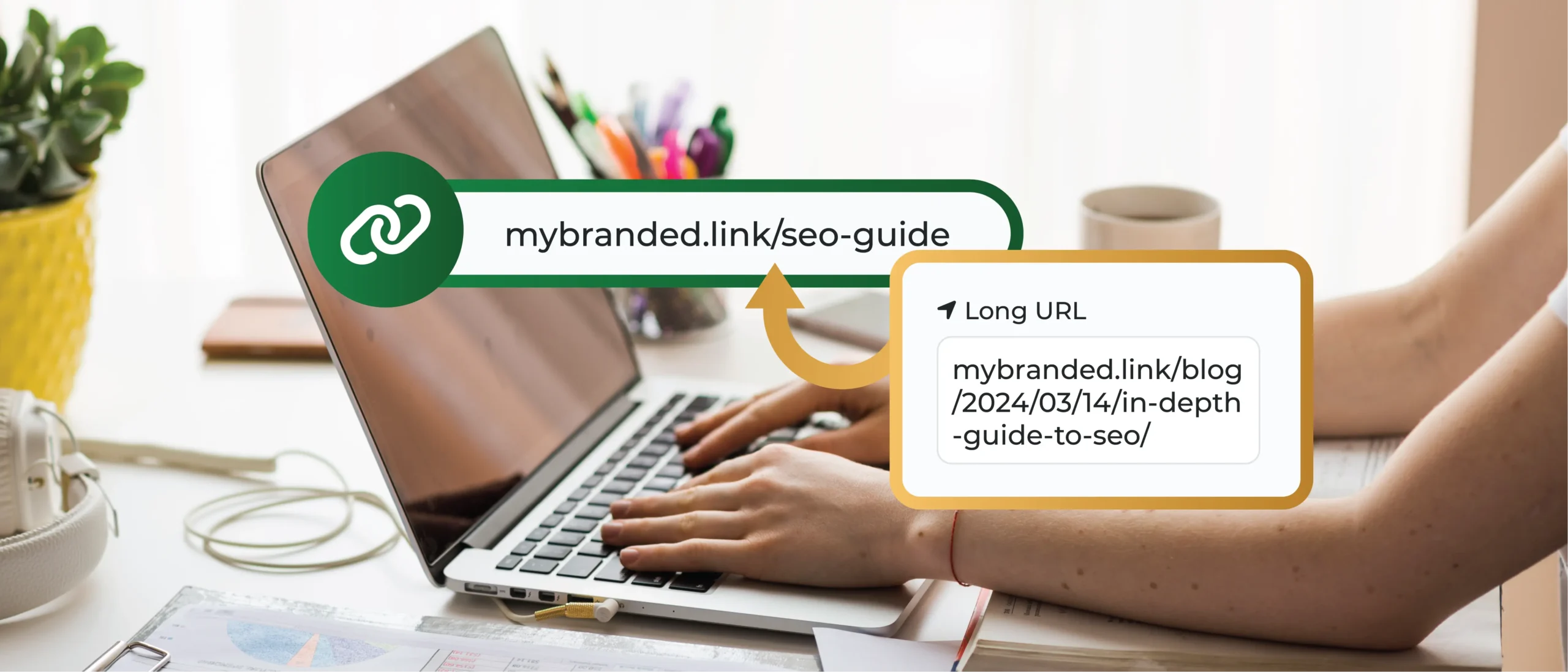
- Creating Ideal Links for Instagram: TinyURL turns long, unwieldy URLs into short, branded links that are perfect for Instagram’s limited character fields. For instance, the link in your bio can host an impactfully short TinyURL link. This not only makes your profile look cleaner but also makes the link easier to remember and more clickable for your followers.
- Tracking Link Performance: It’s not enough to just share the links; tracking their performance is crucial to understanding your audience’s interests and patterns. With TinyURL, you can gain insights into click-through rates directly from Instagram. It provides analytics that allows you to track how many times your link has been clicked, giving you a clear picture of your link’s success and areas for improvement.
Create and Share Links on Instagram With TinyURL
Optimize your Instagram engagement with TinyURL, the perfect solution for crafting short, custom-branded links that fit seamlessly into Instagram’s concise format. Our platform elevates your profile’s aesthetics—making it look more organized and professional—and enhances your operational capabilities.
- Custom-Branded Links: Tailor your URLs to reflect your brand, ensuring that every link you share supports your brand identity and resonates with your audience. These concise, custom links are ideal for Instagram, helping to maintain a clean and focused profile appearance.
- Advanced Link Tracking: With TinyURL, you can effortlessly track the performance of each link you share. Monitor click-through rates directly from your Instagram account and gain valuable insights into audience engagement and behavior. This data empowers you to optimize your content and strategies for better results.
Don’t just share links—make them powerful. Sign up for TinyURL today and enjoy a 14-day free trial of any plan. Take your Instagram link sharing to new heights and transform how you connect with your audience!
So why wait? Sign up for TinyURL and take your Instagram link sharing to the next level!