Are you struggling to understand your website’s performance and user behavior? Without the right insights, optimizing your site can feel like navigating a maze in the dark. But fear not—there’s a solution that can illuminate your path and guide you toward success.
This article explores the world of web analytics, exploring a dozen powerful new and traditional web analytics tools that can help you optimize your website for success. We’ll explain web analytics, discuss their key features, and categorize different types based on their functionalities.
Main Takeaways From This Article:
Optimizing your digital marketing strategies starts with choosing the right analytics tools for actionable insights. Web analytics tools help you monitor and optimize your website’s performance, catering to various strategic goals.
Understanding web analytics tools is crucial for tracking and optimizing your website’s performance. Integrating multiple analytics tools can provide a holistic view of your web traffic and user behavior, driving data-driven decisions.
Each tool offers unique features, from basic traffic counting to advanced behavior analysis. The right mix of tools can provide comprehensive insights to meet your strategic digital goals.
TinyURL stands out as a powerful tool for tracking link engagement and performance.
What Are Web Analytics Tools?
Web analytics tools are essential software solutions designed to help you understand and improve your website’s performance. These tools collect, measure, analyze, and report data about your website traffic and user behavior.
By providing insights into how visitors interact with your site, web analytics tools enable you to make informed decisions to enhance user experience, optimize content, and drive conversions.
Key Features of Web Analytics Tools
The specific features of web analytics tools vary, but some common functionalities include:
- Traffic Monitoring: Track website visits, page views, user demographics, and traffic sources (organic search, social media, etc.).
- User Behavior Analysis: Understand how visitors navigate your site and identify clicks, scrolls, and areas of engagement.
- Conversion Tracking: Monitor visitors’ actions on your site, such as form submissions, purchases, or content downloads.
- Campaign Performance Measurement: Analyze the effectiveness of marketing campaigns across different channels.
- Data Visualization: Present insights in clear reports and dashboards for easy comprehension.
Types of Web Analytics Tools
There are two main types of web analytics tools, each offering valuable insights into website performance:
1. Quantitative Analytics
Focuses on quantitative website traffic data and provides numerical insights into user behavior. This analytics data is typically presented in reports and dashboards with charts and graphs for easy visualization. Common features of quantitative analytics tools include:
- Traffic sources (organic search, social media, referrals, etc.)
- Page views (which pages are most popular)
- User demographics (customer data such as age, location, device)
- Bounce rate (percentage of visitors leaving after one page)
- Conversion rates (percentage of visitors taking desired actions)
- Session duration (average time spent on the website)
Examples of tools that excel in quantitative analytics include Google Analytics, Clicky, and SimilarWeb.
2. Qualitative Analytics
Explores user behavior patterns to understand how visitors interact with your website. Qualitative tools often use visual representations of user behavior to provide insights beyond just numbers. Common features of qualitative analytics tools include:
- Heatmaps (visual representations of clicks, scrolls, and mouse movements)
- Session recordings (recordings of customer journey through your website)
- User surveys and feedback forms
- Examples of tools that excel in qualitative analytics include Hotjar, Crazy Egg, and Heap.
By using a combination of quantitative and qualitative analytics tools, you can gain a comprehensive understanding of your website’s performance and identify areas for improvement.
12 Best Website Analytics Tools to Optimize Your Digital Strategy
Let’s now explore some of the top options available in the market today. We’ll cover a range of tools to suit different needs and budgets.
1. TinyURL
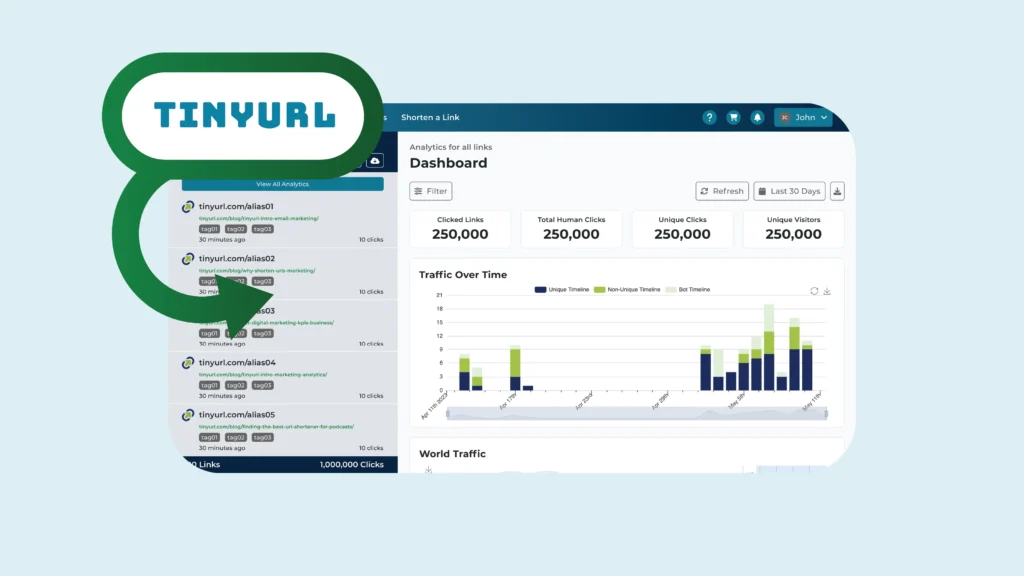
TinyURL is a popular URL shortener that goes beyond simply shrinking long links. Its built-in analytics provide valuable insights into how visitors engage with your shortened URLs.
This can be particularly useful for tracking link performance in various marketing campaigns, social media posts, or email marketing blasts.
Key Features
- Monitor the total number of clicks and unique visitors for each shortened URL, giving you a clear picture of your link’s reach and engagement.
- Gain insights into where your clicks come from worldwide with geographical data, helping you understand your audience’s location and tailor your marketing strategies accordingly.
- Analyze traffic trends over time to identify peak engagement periods and adjust your campaigns to maximize visibility during these times.
- Discover the most popular times and days your links are clicked, allowing you to schedule posts for maximum impact.
- Identify the top sources driving traffic to your links, whether it’s social media platforms, email campaigns, or other websites.
- Understand the types of devices (mobile, desktop, tablet) and browsers your audience is using, ensuring your content is optimized for the best user experience.
- Track the operating systems your audience uses, providing further detail to help you optimize your content for different platforms.
- See which languages your audience prefers, enabling you to tailor your messaging for better engagement.
- Enhance your brand recognition by creating custom shortened URLs that include your brand name, making your links more recognizable and trustworthy.
Pricing
- Pro: $12.99 per month
- Bulk: $129.00 per month
- Enterprise: Custom pricing
2. Google Analytics
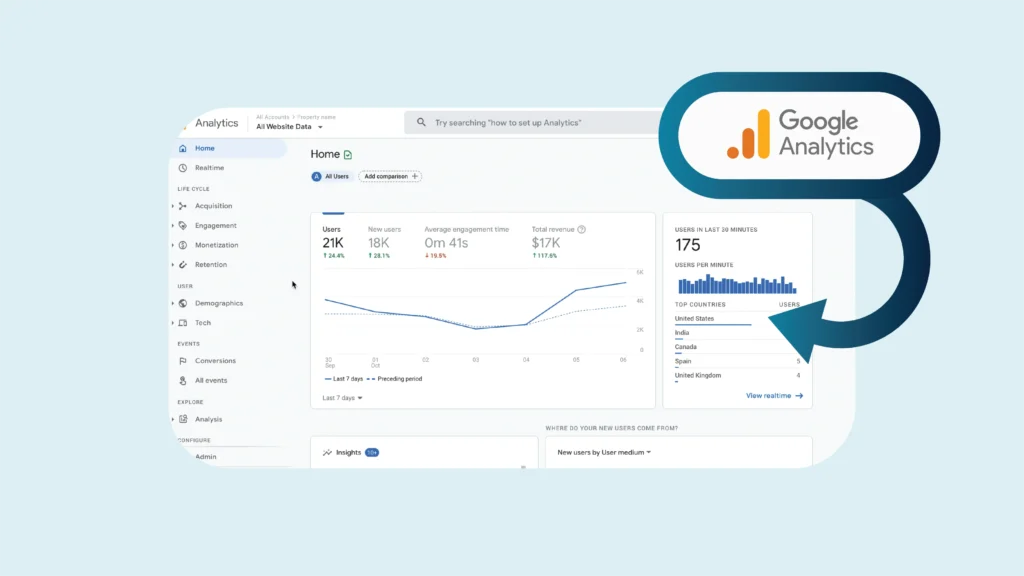
The granddaddy of web analytics, Google Analytics is a free web analytics tool offered by Google. It provides a comprehensive suite of features to track website traffic, user behavior, and conversions. Its vast data collection and integration with other Google products make it a powerful choice for businesses of all sizes.
Key Features
- Extensive reporting on website traffic and user demographics.
- Goal tracking to measure conversions across different channels.
- Funnels analysis to identify bottlenecks in your conversion process.
- Audience segmentation for targeted marketing campaigns.
- Integrates seamlessly with other Google products like AdWords and Search Console.
Pricing
- Standard plan: No cost
- Google Analytics 360: $150,000 per year
3. Adobe Analytics
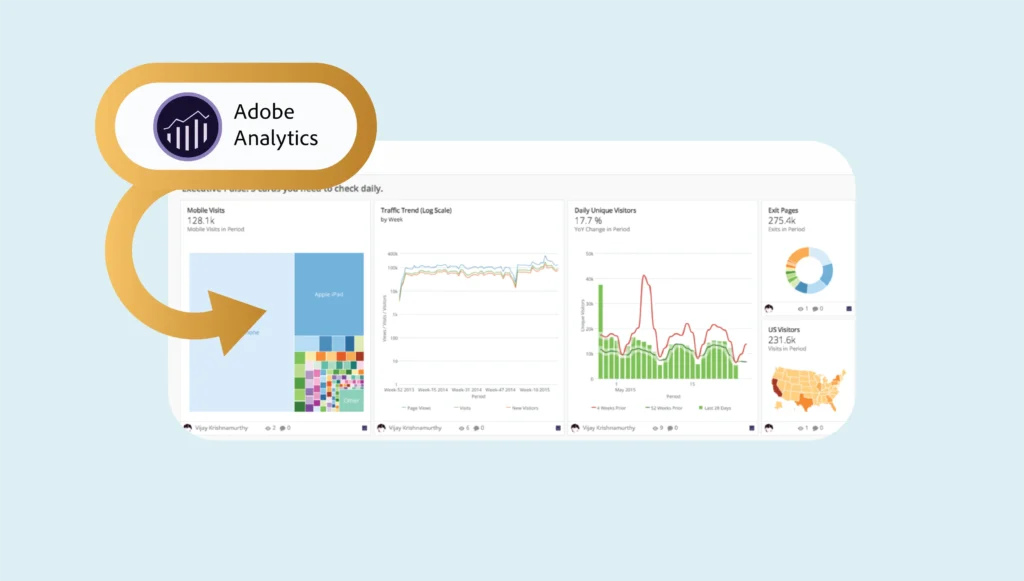
If you’re looking for a premium solution with advanced features and robust data analysis, Adobe Analytics is a strong contender. This tool is designed for enterprise-level businesses and offers powerful tools for in-depth customer insights and marketing optimization.
Key Features
- Powerful data visualization tools for in-depth analysis.
- Advanced audience segmentation with rich customer profiles.
- AI-powered insights and recommendations for optimization.
- Integrates with other Adobe marketing tools for a unified platform.
Pricing
Adobe Analytics offers fully custom pricing for its three plans:
- Select (Enterprise-grade marketing analytics): Contact sales for quotes
- Prime (Digital intelligence for the enterprise): Contact sales for quotes
- Ultimate (Digital Intelligence for the experience enterprise): Contact sales for quotes
4. Mixpanel
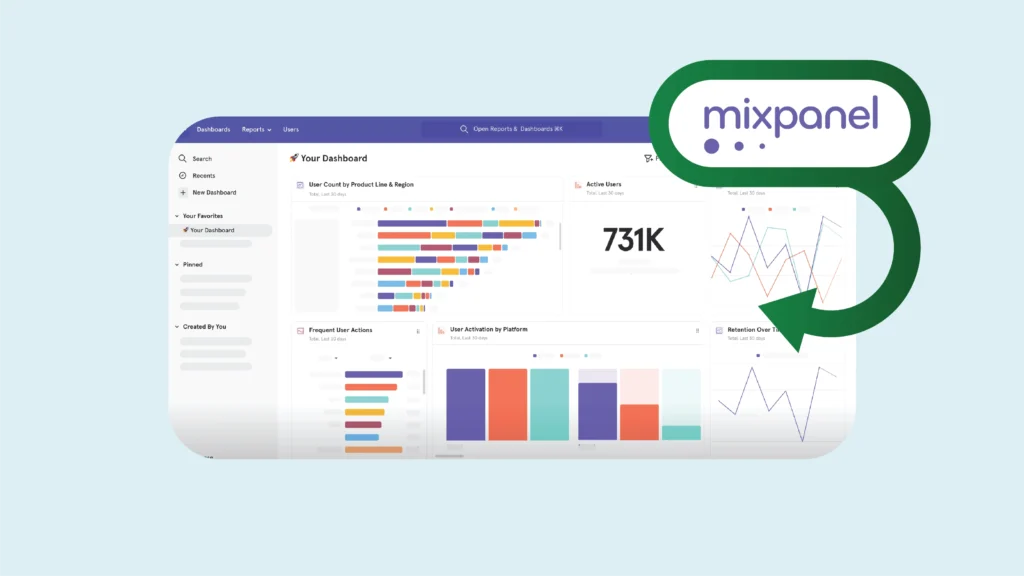
Mixpanel focuses specifically on user behavior analytics, helping you understand how users interact with your product or website features. This is particularly valuable for businesses with a strong product focus or those looking to improve user engagement and product adoption.
Key Features
- Track user journeys and identify optimal conversion paths.
- Analyze user funnels for specific actions like registrations or purchases.
- Powerful A/B testing capabilities to optimize user experience.
- Integrates with popular marketing automation tools.
Pricing
- Basic: No cost
- Growth: Starting from $28 per month for 10K events
- Enterprise: Custom pricing
5. Heap
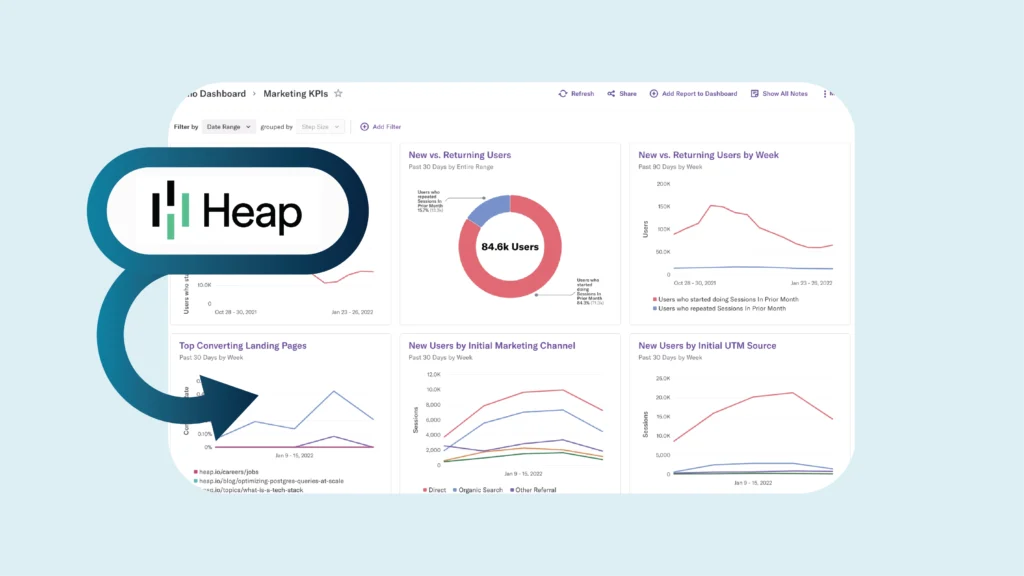
Heap offers a user-friendly approach to user behavior analytics. Unlike many tools that require code implementation, Heap automatically captures user interactions, making it a great option for less technical or limited development resources.
Key Features
- Automatically captures user interactions for a seamless setup experience.
- Analyze user journeys, clicks, scrolls, form submissions, and other interactions to understand how users navigate your website.
- Identify drop-off points within your conversion funnels and optimize for better results.
- Personalized dashboards to focus on the metrics that matter most to your business goals.
Pricing
- Basic: No cost
- Growth: Starts at $3,600 per year
- Pro: Custom session pricing
- Premier: Custom session pricing
6. Kissmetrics
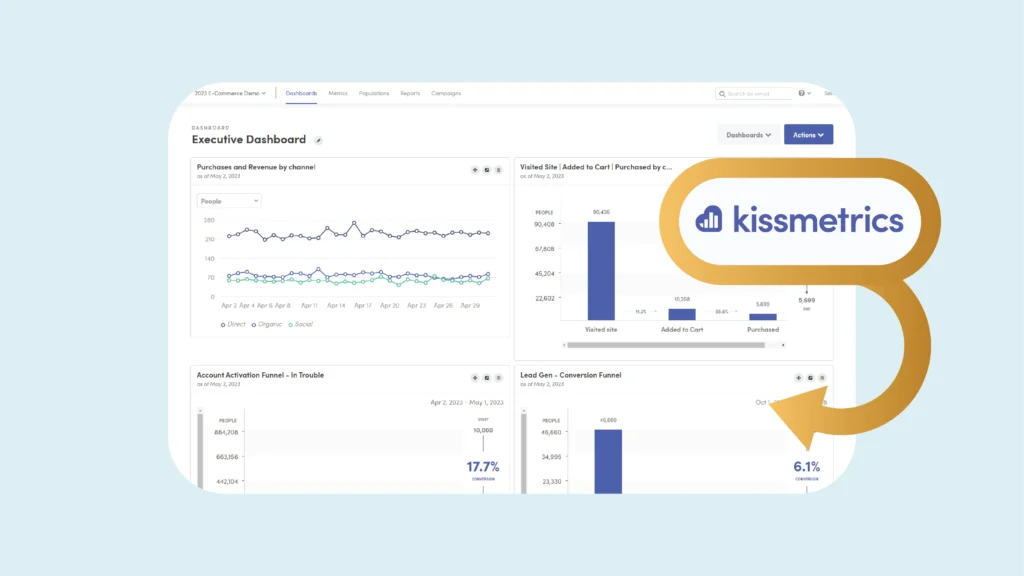
Kissmetrics is among the top customer journey analytics tools that help you understand the “why” behind user behavior. It goes beyond basic clickstream data by providing insights into user intent and motivations.
Key Features
- Customer journey mapping across website or app to identify touchpoints and drop-off points.
- Funnel analysis with user attribution to understand which marketing channels contribute most to conversions.
- Customer segmentation based on behavior patterns
- A/B testing for higher customer lifetime value and revenue attribution
Pricing
Kissmetrics offers various plans with pricing based on team size.
- Build Your Plan: Starting from$25.99 per month for 10K events
- Pay As You Go (if you’re not ready for a plan): $0.0025 per event
- Silver (Small Teams): $199 per month
- Gold (Medium-sized Teams): $499 per month
- Platinum (Large Teams): Custom pricing
- MTU Based: Custom pricing based on unique requirements
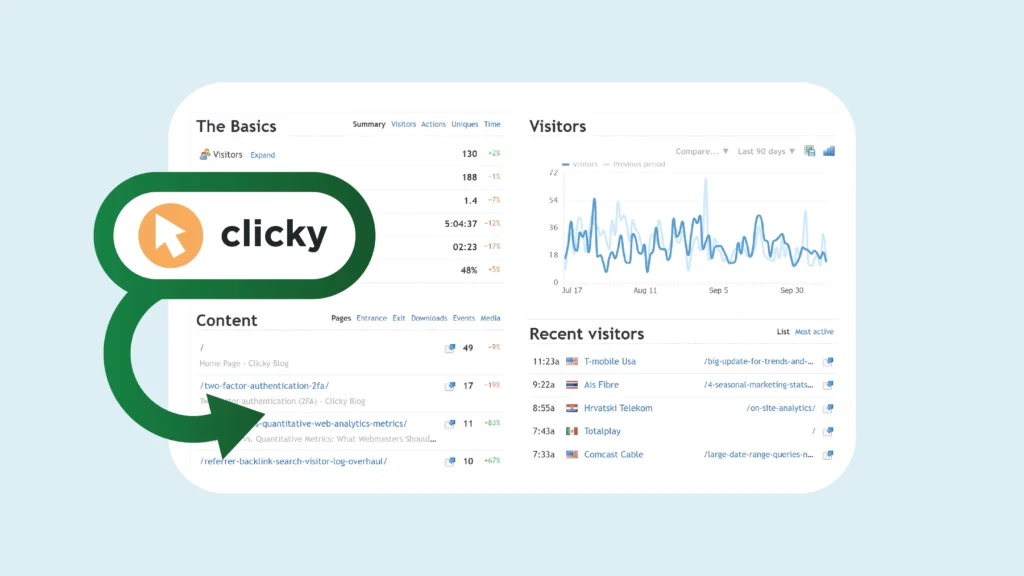
7. Clicky
Clicky is a user-friendly and affordable web analytics tool with a focus on real-time data and actionable insights. It’s a good option for businesses looking for a simpler alternative to Google Analytics.
Key Features
- Track website activity & user behavior in real-time
- Gain user insights with heatmaps & session recordings
- Improve conversions with goal tracking & analysis
- Customize reports & set alerts for key metrics
Pricing
Clicky offers both free and paid plans with varying features and data storage limits. New accounts also receive a 21-day free trial.
- Basic: No cost
- Pro: $9.99 per month
- Pro Plus: $14.99 per month
- Pro Platinum: $19.99 per month
- Custom: Quote-based
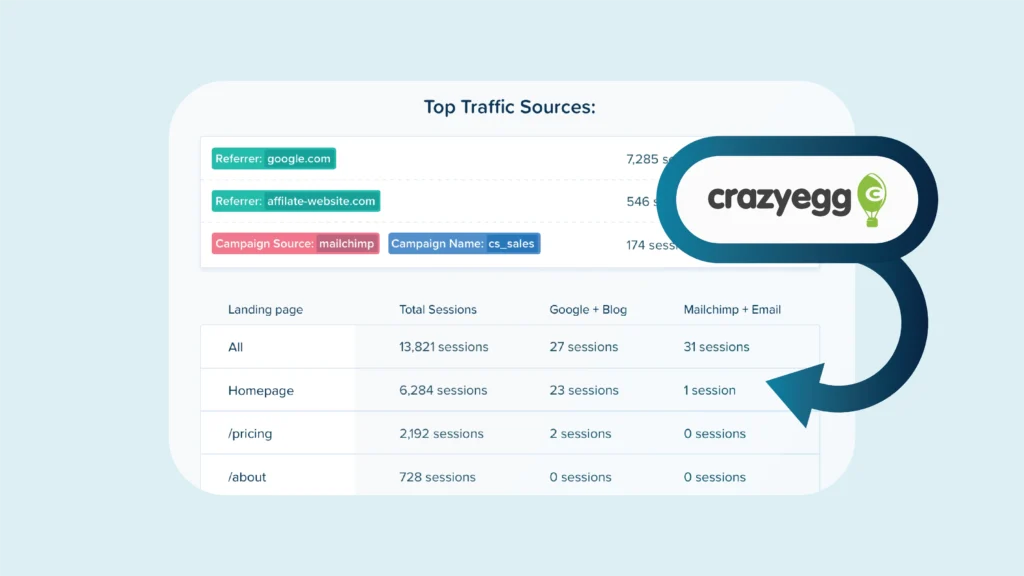
8. Crazy Egg
Crazy Egg is one of the popular SEO analytics tools that focuses on visual website optimization using heatmaps and scroll maps. These tools help you visualize user behavior and identify areas for improvement in your website design and layout.
Key Features
- Understand user clicks, scrolls & hover areas with heatmaps & scroll maps
- Optimize website with A/B testing of layouts and CTAs
- Visualize user actions (form submissions, etc.) with confetti reports
Pricing
Crazy Egg offers three pricing tiers with a 30-day free trial.
- Plus: $99 per month
- Pro: $249 per month
- Enterprise: $499 per month
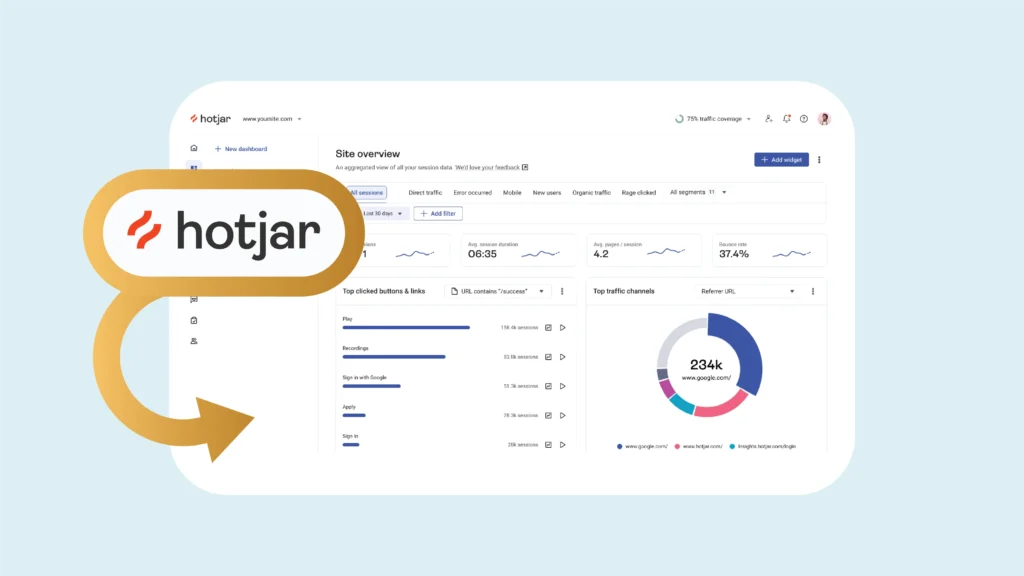
9. Hotjar
Similar to Crazy Egg, Hotjar offers a suite of visual website analytics tools to help you understand user behavior. Hotjar goes a step further with features like session recordings and surveys, providing a more comprehensive picture of user experience.
Key Features
- Visualize user behavior with heatmaps, scrolls & recordings
- Analyze forms & identify improvement areas
- Gather direct user feedback with surveys & polls
Pricing
- Basic: No cost
- Plus: $39/month
- Business: $99/month
- Scale: $213/month
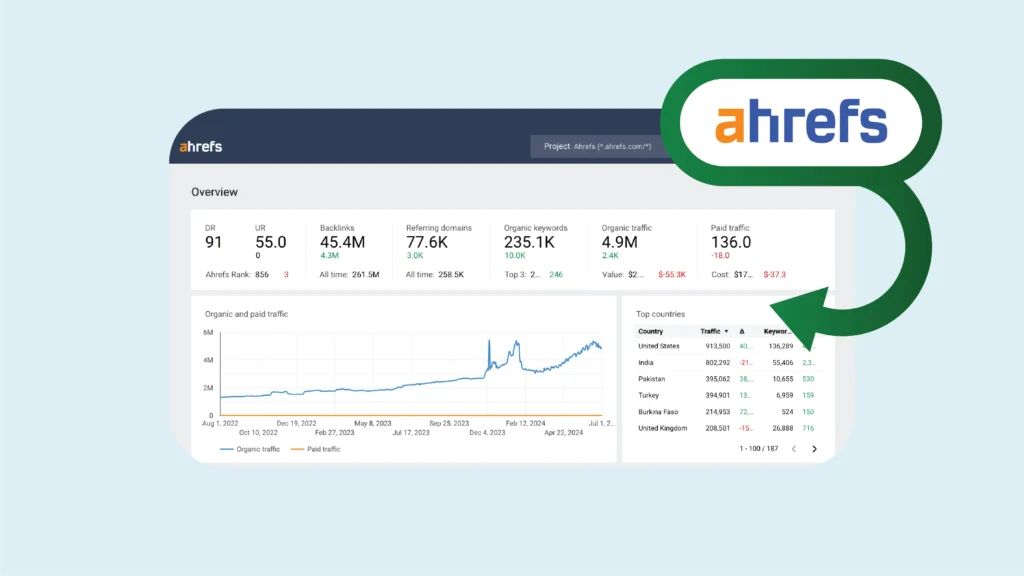
10. Ahrefs
Ahrefs is primarily an SEO (Search Engine Optimization) platform but also offers valuable website and content analytics tools. You can use Ahrefs to understand your competitor’s traffic sources, top pages, and backlinks.
Key Features
- Analyze competitor traffic, content, and backlinks
- Identify target audience keywords and optimize content
- Find content gaps for new content creation
- Track your content’s performance (traffic, shares, backlinks)
Pricing
- Lite: $129 per month
- Standard: $249 per month
- Advanced: $449 per month
- Enterprise: $14,990 (Annual contract only)
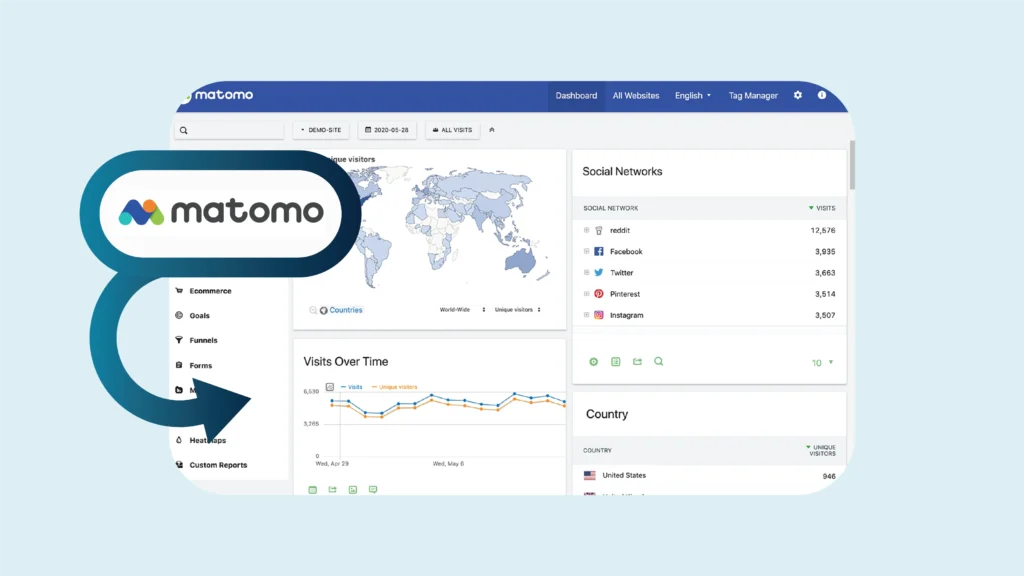
11. Matomo
Matomo (formerly Piwik) is a self-hosted web analytics platform that offers complete control over your data. It’s a good option for privacy-conscious businesses that want to avoid relying on third-party analytics tools.
Key Features
- Gain complete control over your website data by hosting on your own server
- Ensures compliance with strict data privacy regulations like GDPR and CCPA
- Customizable reports and dashboards
- Open-source core for developer customization
Pricing
This platform offers two plans based on the monthly traffic, ranging from 50,000 to 50 million page views, and the features used.
- On-premise: No cost
- Cloud: Starts at $26/month for 50,000 hits
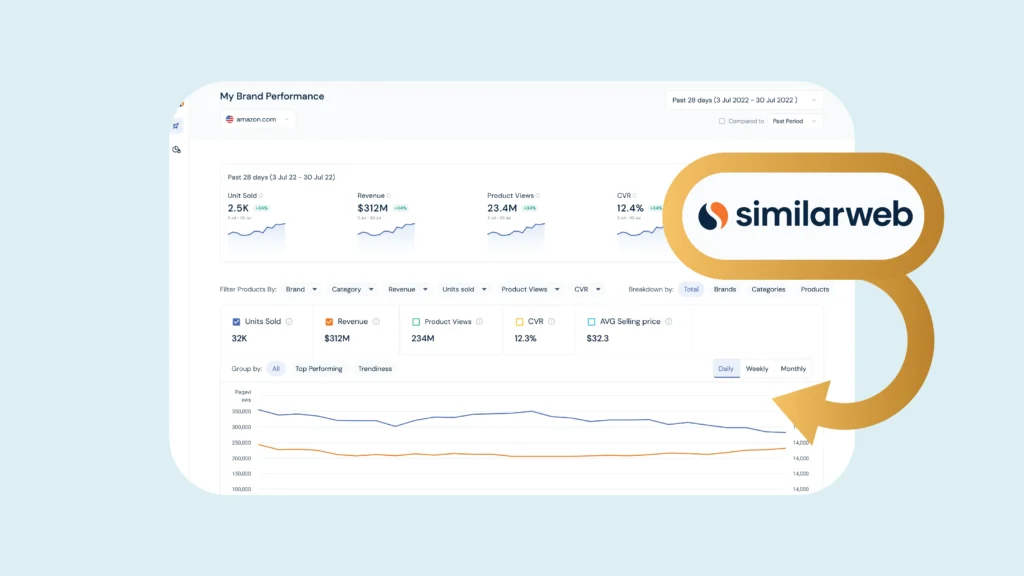
12. SimilarWeb
SimilarWeb focuses on competitive intelligence and website traffic estimation. It provides insights into your competitor’s website traffic sources, audience demographics, and marketing strategies.
Key Features
- Estimate competitor traffic and understand the demographics
- See competitor traffic sources (search, social, etc.)
- Analyze your website’s market share vs. competitors
- Gain insights into competitor audience (age, location, interests)
Pricing
- Starter: $125 per month
- Professional: $333 per month
- Team (5 users): Custom pricing
- Enterprise (10 users): Custom pricing
Optimize Your Digital Marketing Strategies With TinyURL
As we discussed, numerous web analytics tools are available on the market, but TinyURL brings together two benefits into a single platform: shortening links and web analytics. Its built-in analytics can be a powerful tool in your digital marketing arsenal.
By integrating TinyURL with your website and marketing campaigns, you can:
Track the Effectiveness of Your Link Placement: See how many clicks your shortened URLs generate across different platforms (social media posts, email marketing blasts, website banners).
Identify Top-performing Campaigns: Analyze click-through rates (CTRs) to understand which campaigns are driving the most traffic to your website.
Gain Insights Into User Demographics: See where your clicks are coming from geographically to understand your audience reach.
Shorten and Brand Your Links: Use custom TinyURL aliases to maintain a clean and professional appearance while promoting brand awareness.
TinyURL’s analytics give you a complete look at how your website is doing and how users are behaving. With these insights, you can make informed decisions to improve your site, enhance user experience, and meet your digital marketing goals.
Ready to take your website optimization to the next level? Sign up for a TinyURL account and see how short, branded URLs with built-in tracking can make all the difference to your brand!