| | | | Hi , Welcome to this weeks edition of Tech Learning Collective News – your source for innovative ideas and inspiration on harnessing the power of iPad and Mac in the classroom. This week we explore a variety of helpful tips, iPad features and resources related to researching and consolidating learning. | | | |
|
| | |
|
| | Quick Notes Quick Notes are brilliant! Swipe up from the bottom right hand corner of your iPad screen and a Quick Note should appear (if not then open Settings - Multi-tasking and Gesturing - turn on Swipe Finger From Corner). These notes can be moved around the screen so they wont get in the way of the content you are researching or writing. A workflow I use regularly with students is to record online research in a Quick Note (saving related photos to the camera roll). Students then create a Clips movie that summarises the Quick Note research (opened over a Clips project) so they know what to say. Tap here for a Quick Note tutorial.
| | | |
|
|
|
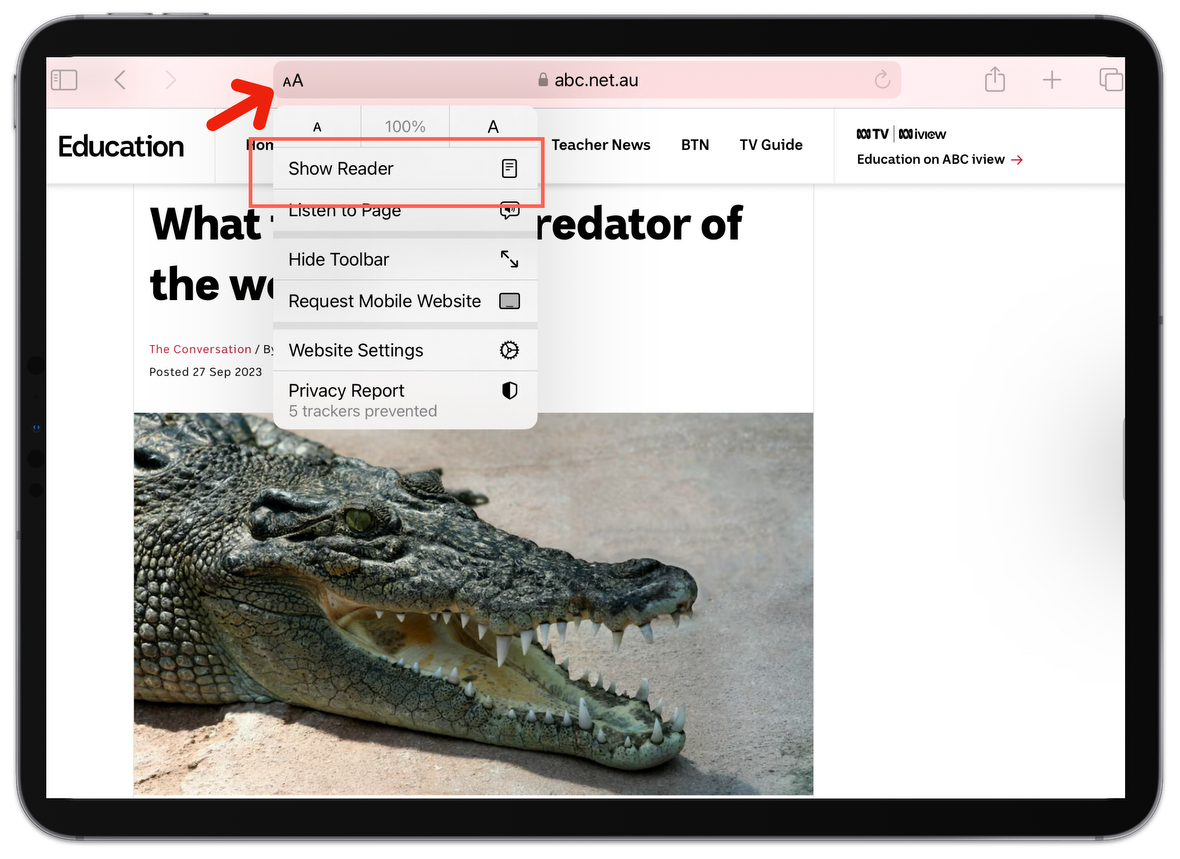
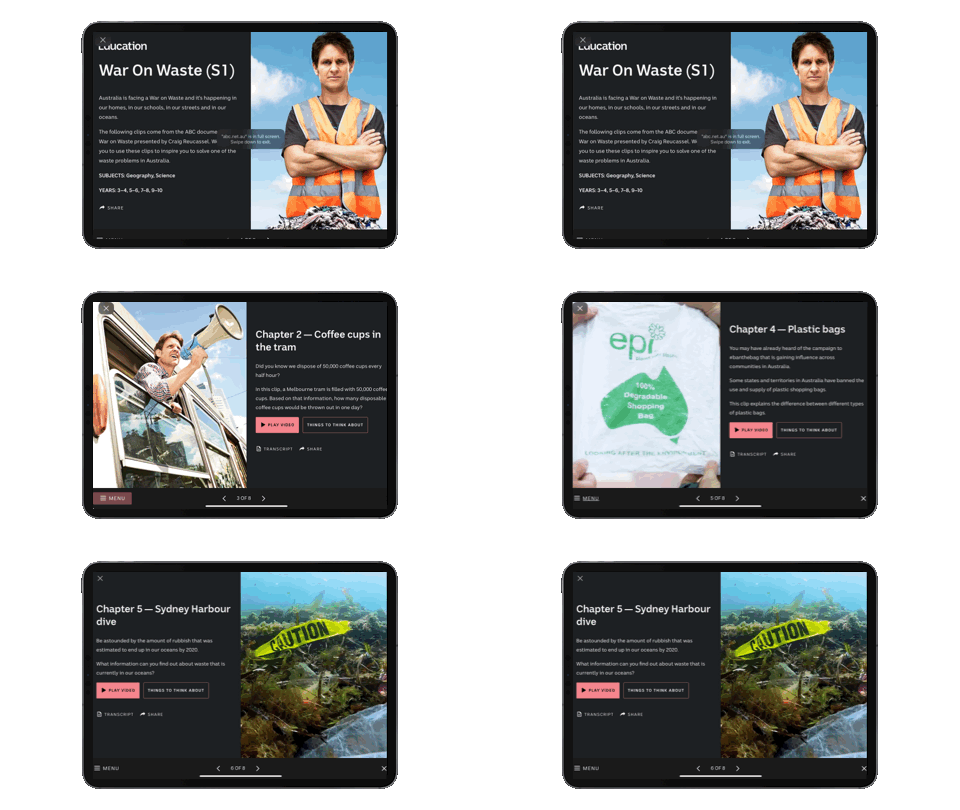
| | | | ABC Education Have you been on the ABC Education website lately? It’s had a revamp and has some user friendly features that work beautifully on iPad. A couple features I’ve been appreciating include:
- Topic digibooks that can be launched and worked through with ‘Summaries', ‘Videos' and 'Things to think about'. This layout lessens the cognitive load for students, removing distractions as they work through defined sections.
| | | |
|
|
|
| | | | - Curriculum aligned interactives and games are now all updated to be compatible with iPad.
- There are lots of insightful videos supporting the teaching and learning of Aboriginal and Torres Strait Islander Histories and Culture.
- BTN! I can remember watching Behind The News (BTN) when I was in school - it’s a classic. The ABC Education Website shares comprehensive summaries and transcripts of each episode so students can find and consolidate information.
| | | |
|
|
|
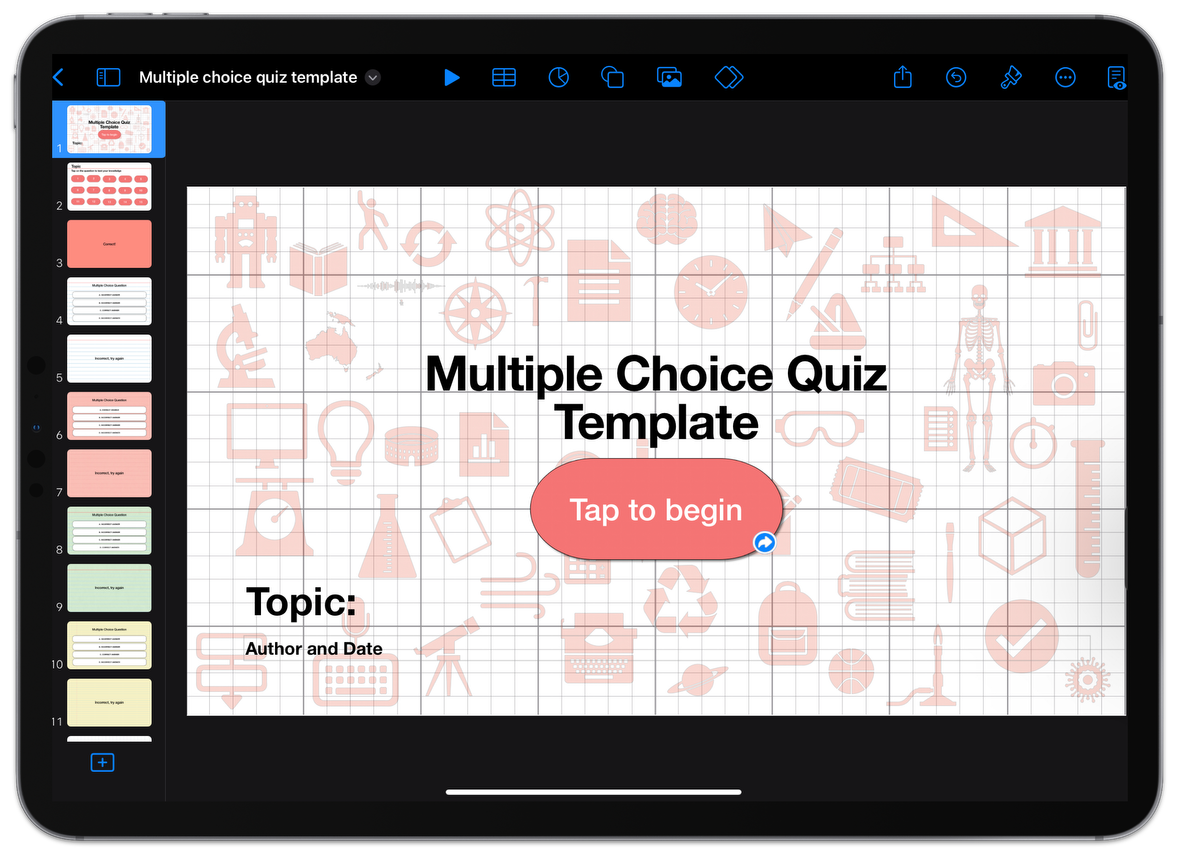
| | | | Quiz Creation Students love an interactive quiz and there are lots of websites to create and distribute quizzes (one of my favourites is Blooket). When students create multiple choice quizzes for each other, they have to consider information, synthesise this information into a question with an answer and then think about incorrect answers (that might potentially trip up the doer of the quiz). Here is a Keynote template that students can use to create interactive quizzes for each other. | | | |
|
|
|
| | | | And there is more.. there are so many educators that are doing amazing things with iPad and Mac. Check out the Apple Education Community Forum for so much more! Apple Education Community Forum. | | | |
|
|
|
| | | | Until next week,
From the TLC Team 🌻 
| | | |
|
|
|
| | | | Tech Learning Collective is a team of passionate Apple Professional Learning Specialists and educators from Queensland who offer professional learning, insights, resources, and valuable tips for transforming learning with technology.
| | | |
|
| | |
|
|